

Add one-shot effects
On this page
Effects that remove themselves once they’ve played, such as a white flash at the moment of impact, a blink as a character wakes up, or a cut-in that shows a picture of a clue, work just by placing their parts. You don’t need parts to remove them. Each one waits until it finishes before the story goes on, and players can click to jump to the end.
Flash
- Select the line just before where the effect should go.
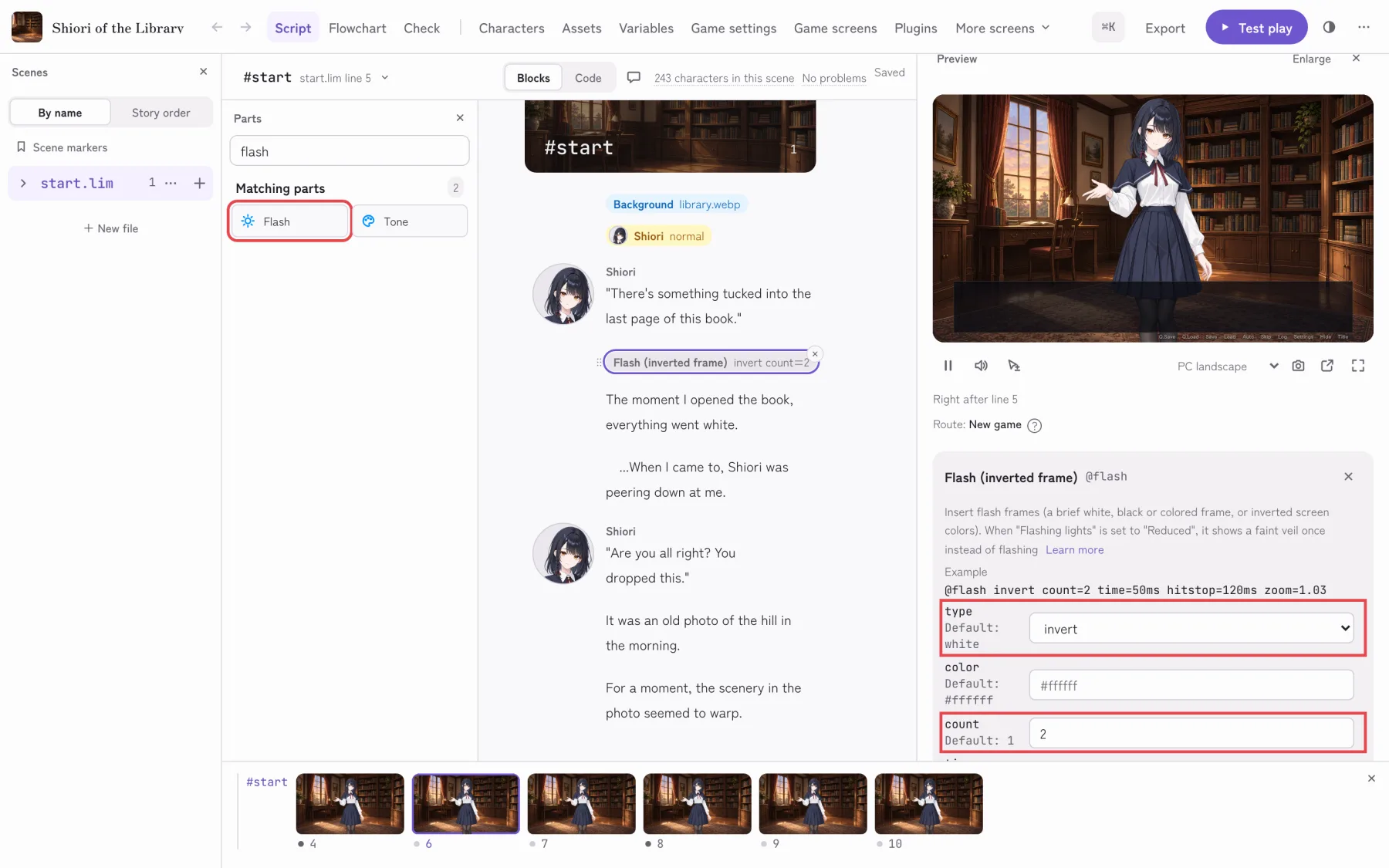
- Type “flash” in the search box at the top of the parts panel, and double-click “Flash” in the results.
- In
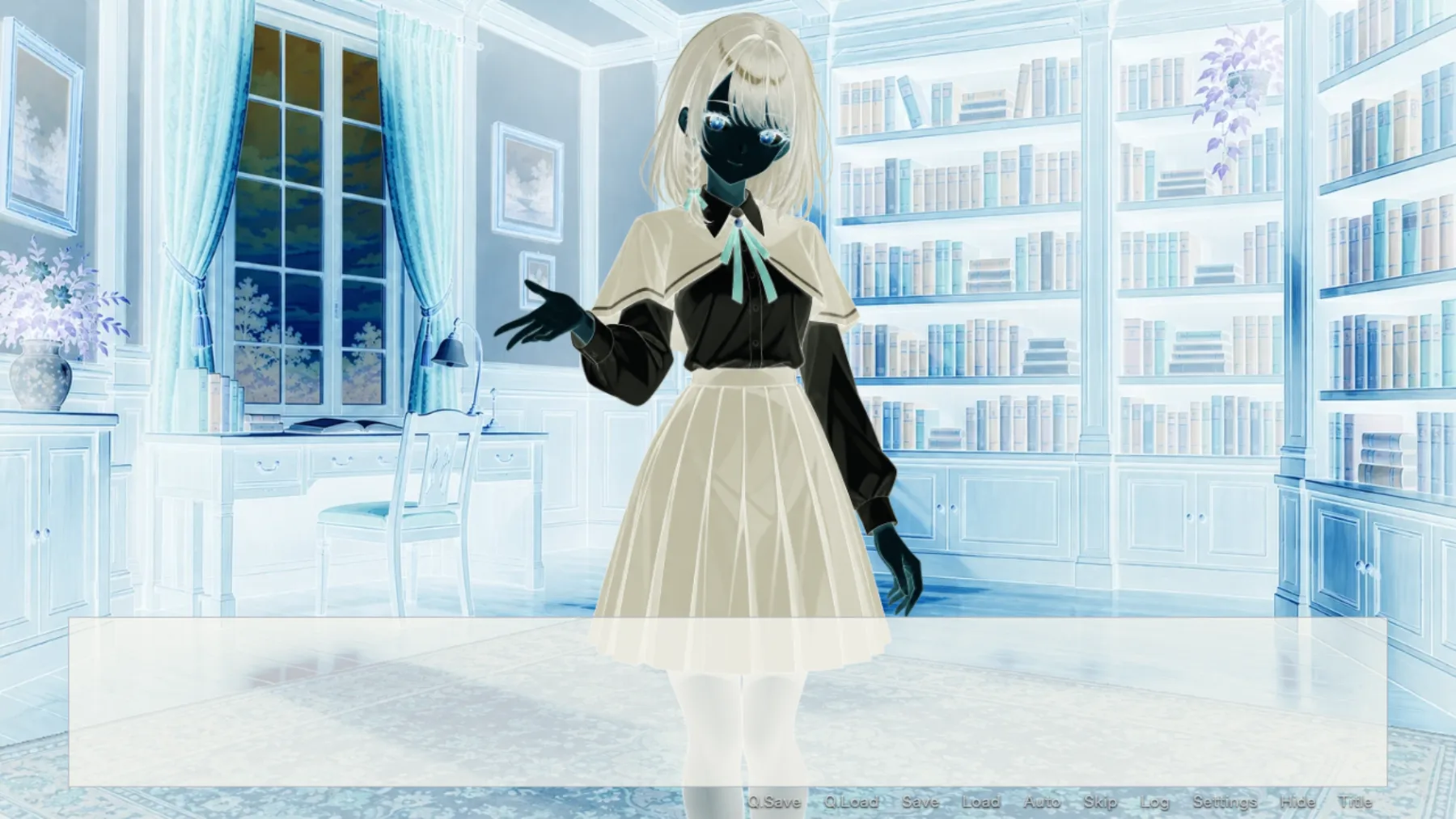
typein the panel on the right, choose the kind of frame (white,black,colorfor a color you choose, orinvertto invert the screen colors). Set the number of flashes withcount.
Blink
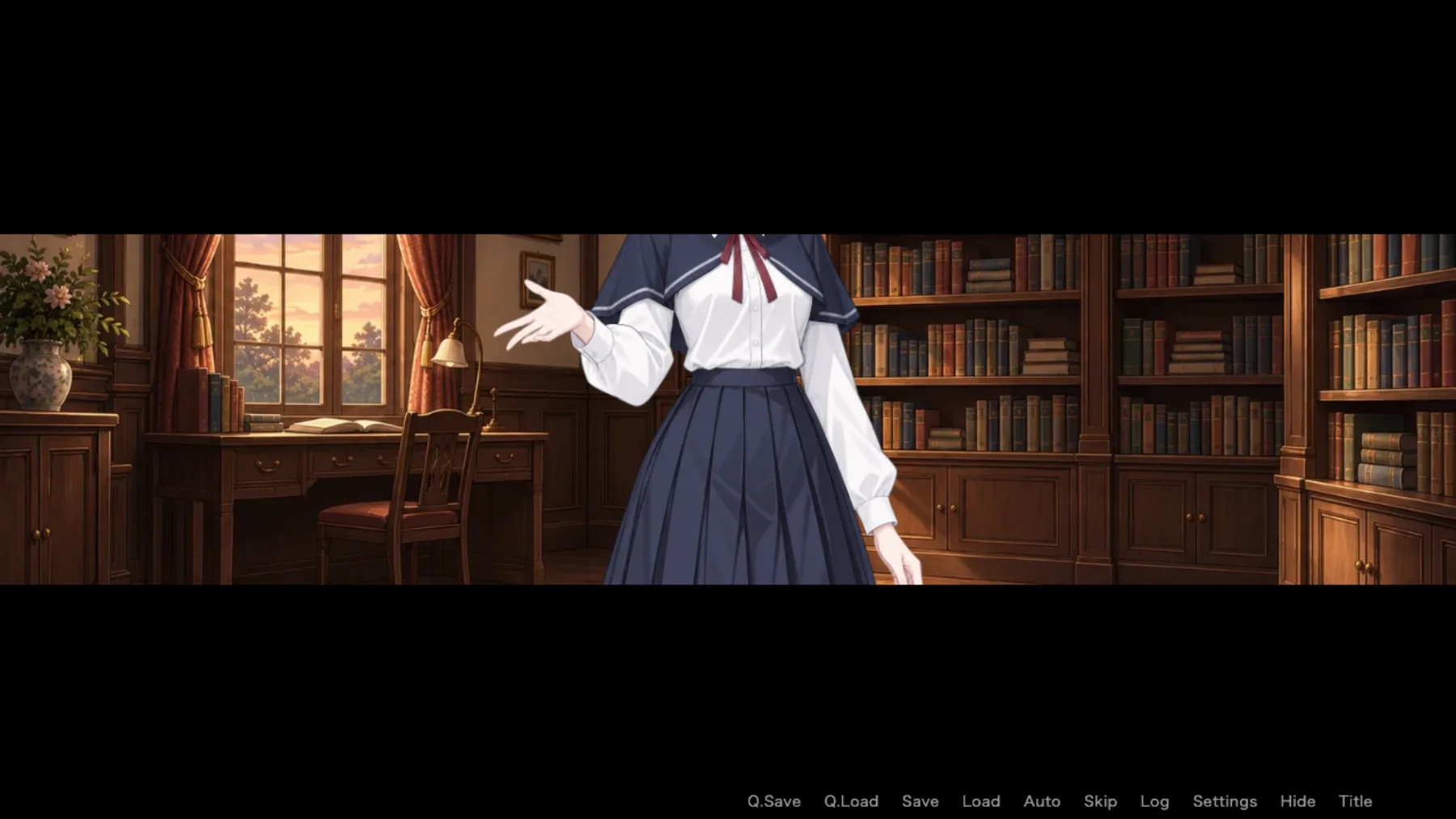
With “Blink,” eyelids close from the top and bottom, stay closed for a moment, then open. Use it for scenes where a character wakes up or faints. Set the number of blinks with count, and the time to close, stay closed and open with close, hold and open.
Cut-in
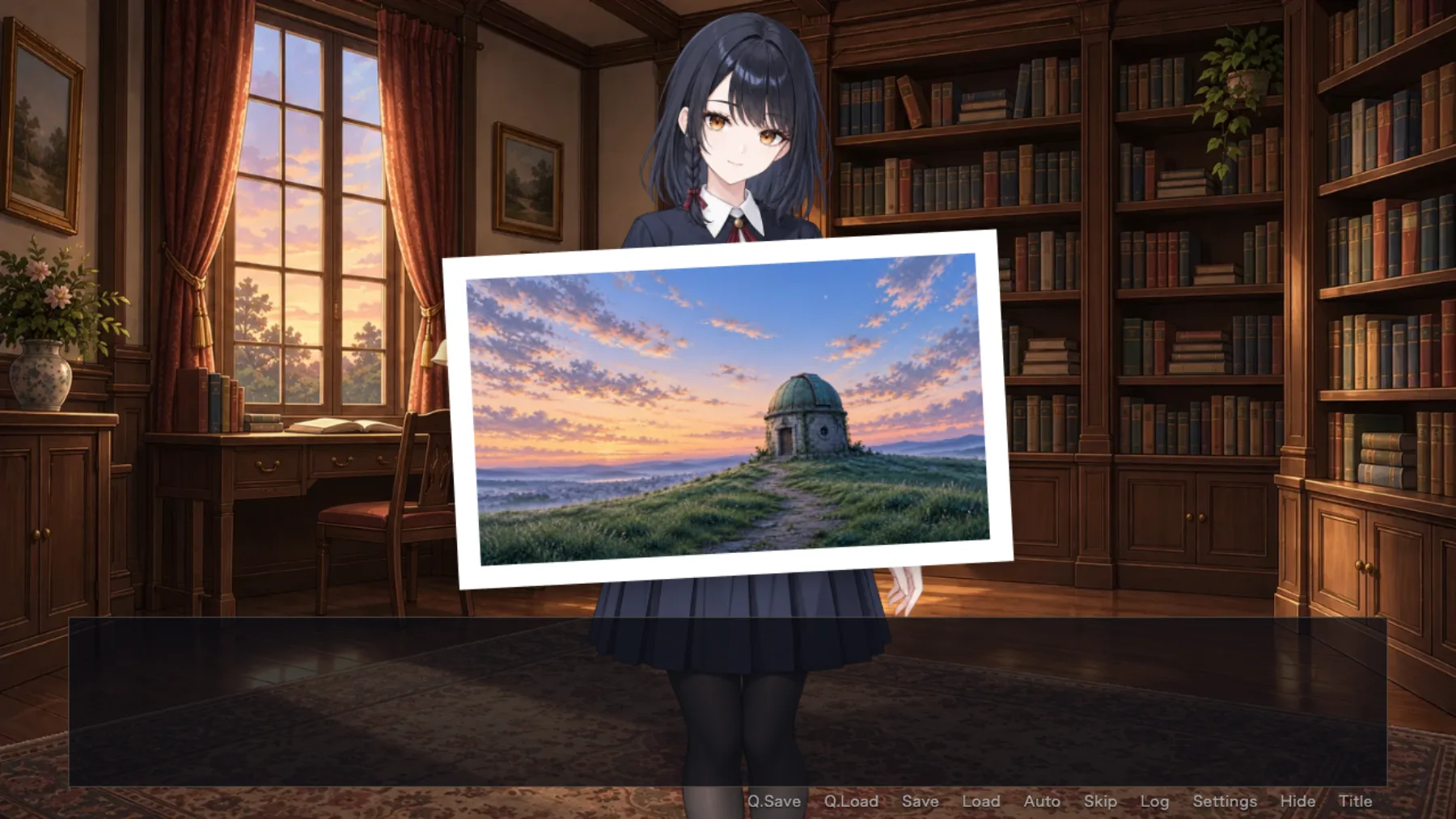
“Cut-in” slides in a framed image, holds it for a while, then pulls it out. Use it to show a clue, an item or a close-up of a face.
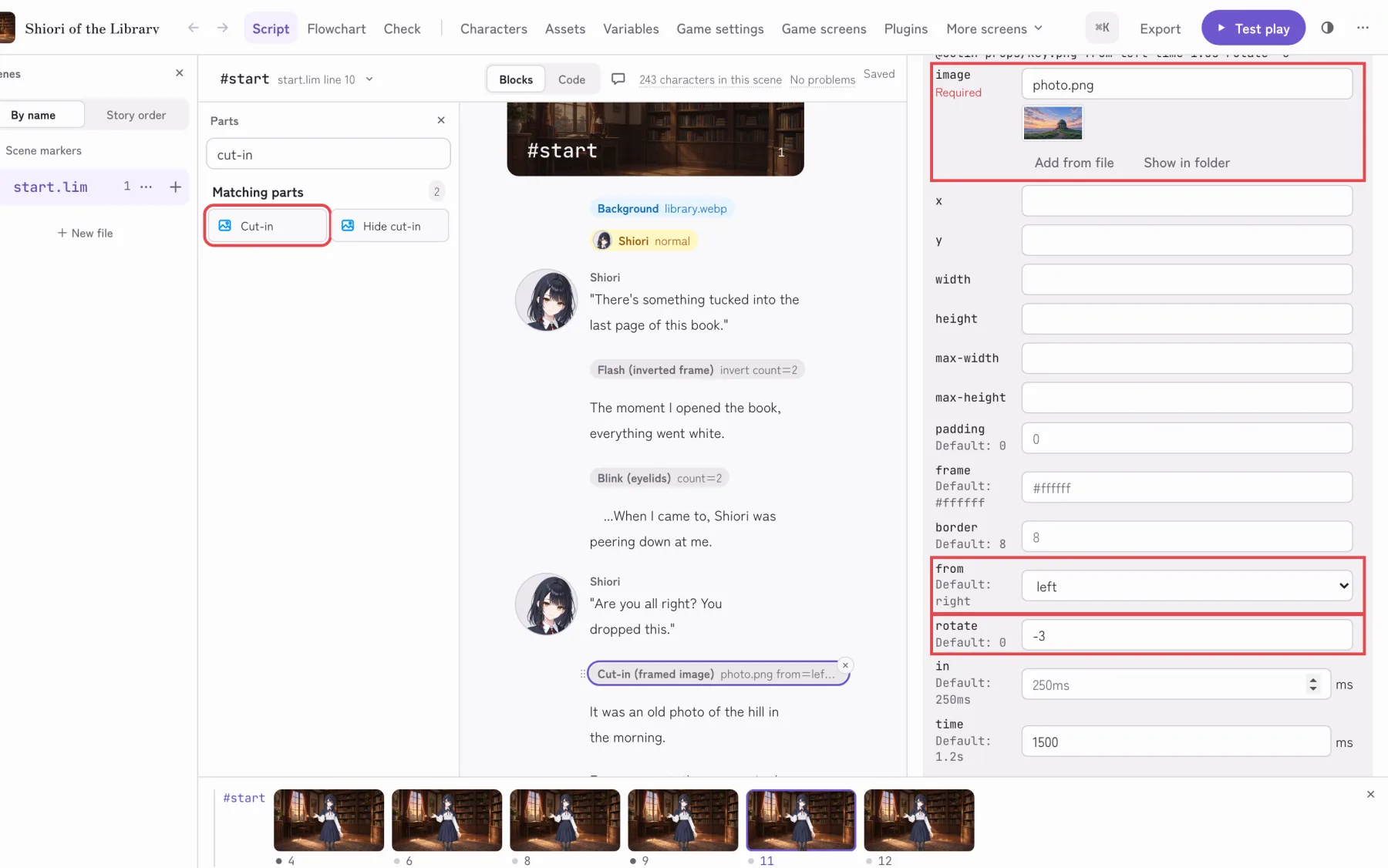
- Type “cut-in” in the search box, and double-click the part in the results.
- In
imagein the panel on the right, choose the image to slide in (put the image in “Images” in the assets beforehand). - Set the direction it slides in from with
from, how long it stays withtime, and its tilt withrotate.
Flipbook
“Flipbook” plays numbered images such as slash_01.png and slash_02.png in order. Use it for slashes, explosions or streaks of light. In image, write the name with {nn} (2 digits) or {n} in place of the number, and in frames, the number of frames. To give each frame its own time, list milliseconds separated by commas in durations.
Apply a screen effect for a set time
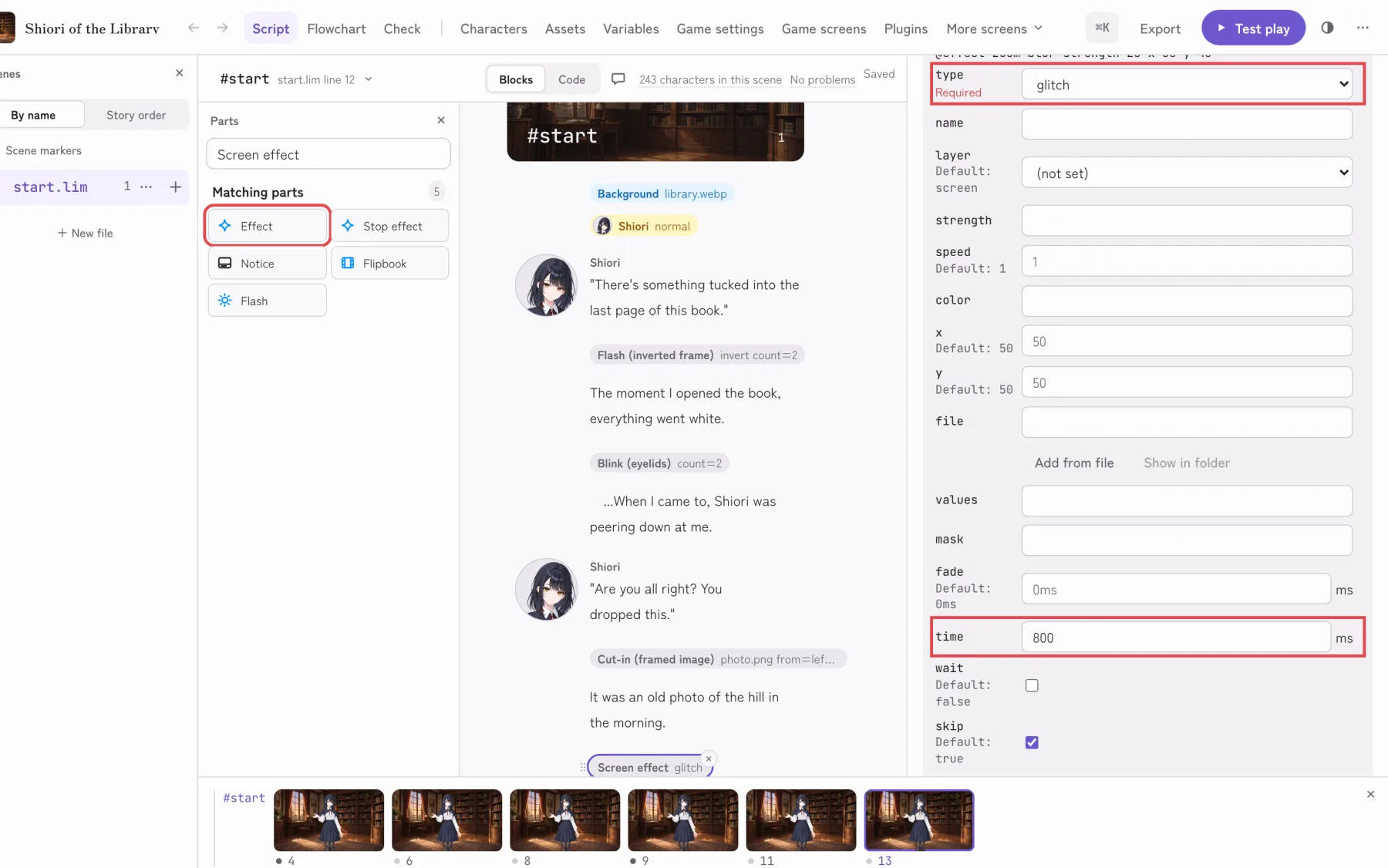
The “Effect” part (video distortion, color fringing, ripples and so on) normally lasts until “Stop effect.” Enter a time in time, and it’s applied for that long and then removes itself.
Players who reduce flashing lights
For players who set “Flashing lights” to “Reduced” in Config, a flash doesn’t blink but lays a faint veil over the screen once.
In code
@flash invert count=2 time=50ms
@blink count=2
@cutin photo.png from=left time=1.5s rotate=-3
@flipbook effects/slash_{nn}.png frames=8 blend=screen
@effect glitch time=800ms
For details, see @flash, @blink, @cutin, @flipbook and @effect.