

# tutorial
Tutorial
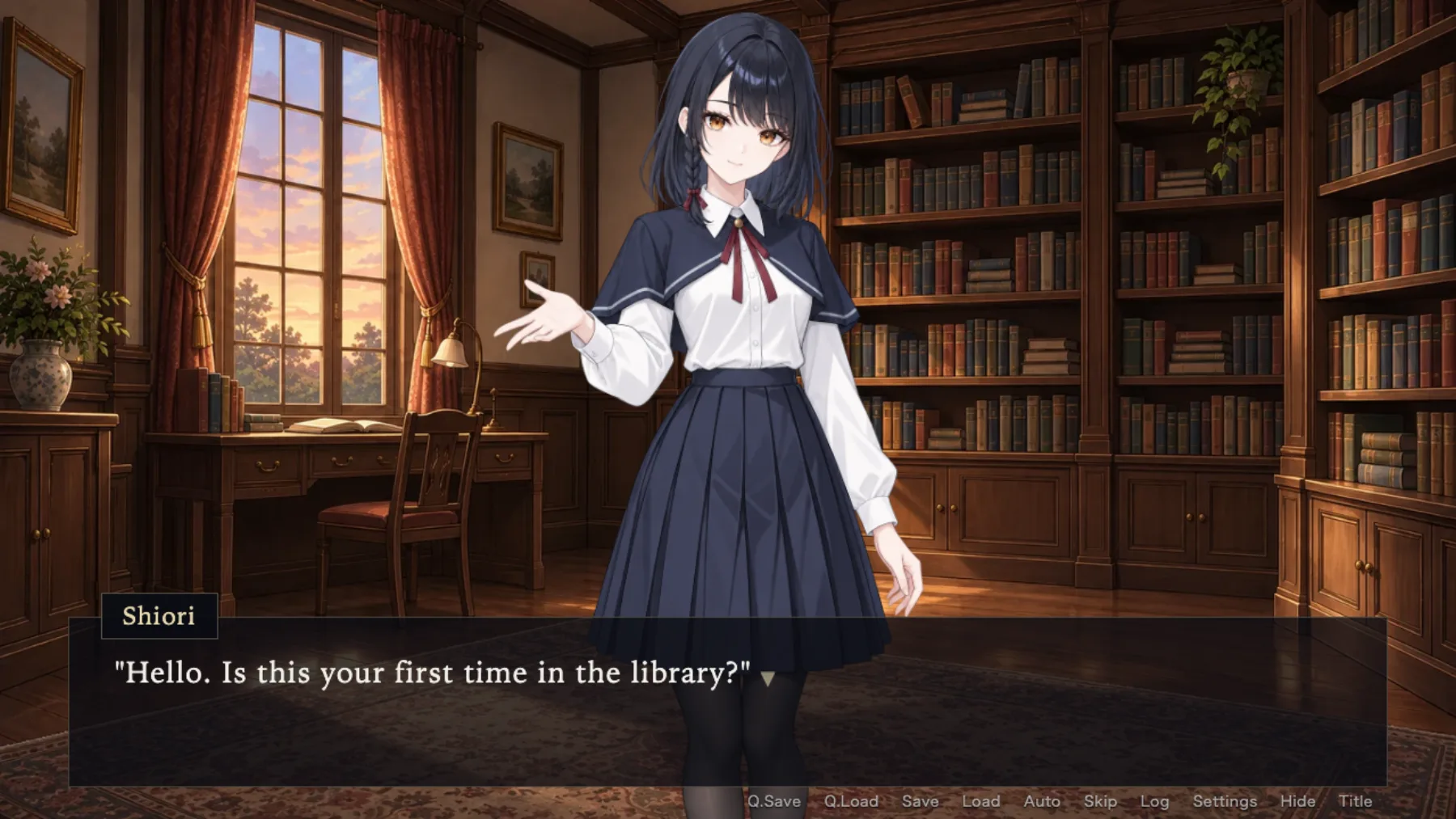
Make a short game, “Shiori of the Library”, from an empty project in 10 chapters. On the right is the game you'll end up with.
Start with chapter 1Play the finished game
Liminalia Studio is in beta. You can get it from the Download page.
- 01Get set upCreate an empty project in Studio and learn your way around the screen
- 02Write textAdd narration in the block view and check it with a test play
- 03Show a backgroundAdd a background image to the assets and show it with the Background part
- 04Show a characterAdd a character, show a sprite and write dialogue
- 05Play soundAdd BGM and a sound effect and play them
- 06Branch with choicesShow choices and split the story with labels and jumps
- 07Remember the bookStore the choice in a variable and use it later in the text
- 08Set up the title screen and the endingChoose the title screen background and BGM in the game settings, and show an ending screen when the story ends
- 09Check and exportUse the all-routes test to look for problems, then export a playable game
- 10PublishPut the exported game on the web or distribute it as a zip, so others can play it