

Make snow or rain fall
On this page
With the “Rain, snow” part, you can make snow, rain, cherry blossom petals and the like fall across the screen. Once it starts, it keeps falling until you place the “Stop particles” part. It doesn’t stop when the page moves on.
The examples on this page use the English sample story, “Waiting for Stars” (choose “A sample story” and English in New Project, or run lim new --lang en; the characters are Akari and Sou).
Make snow fall
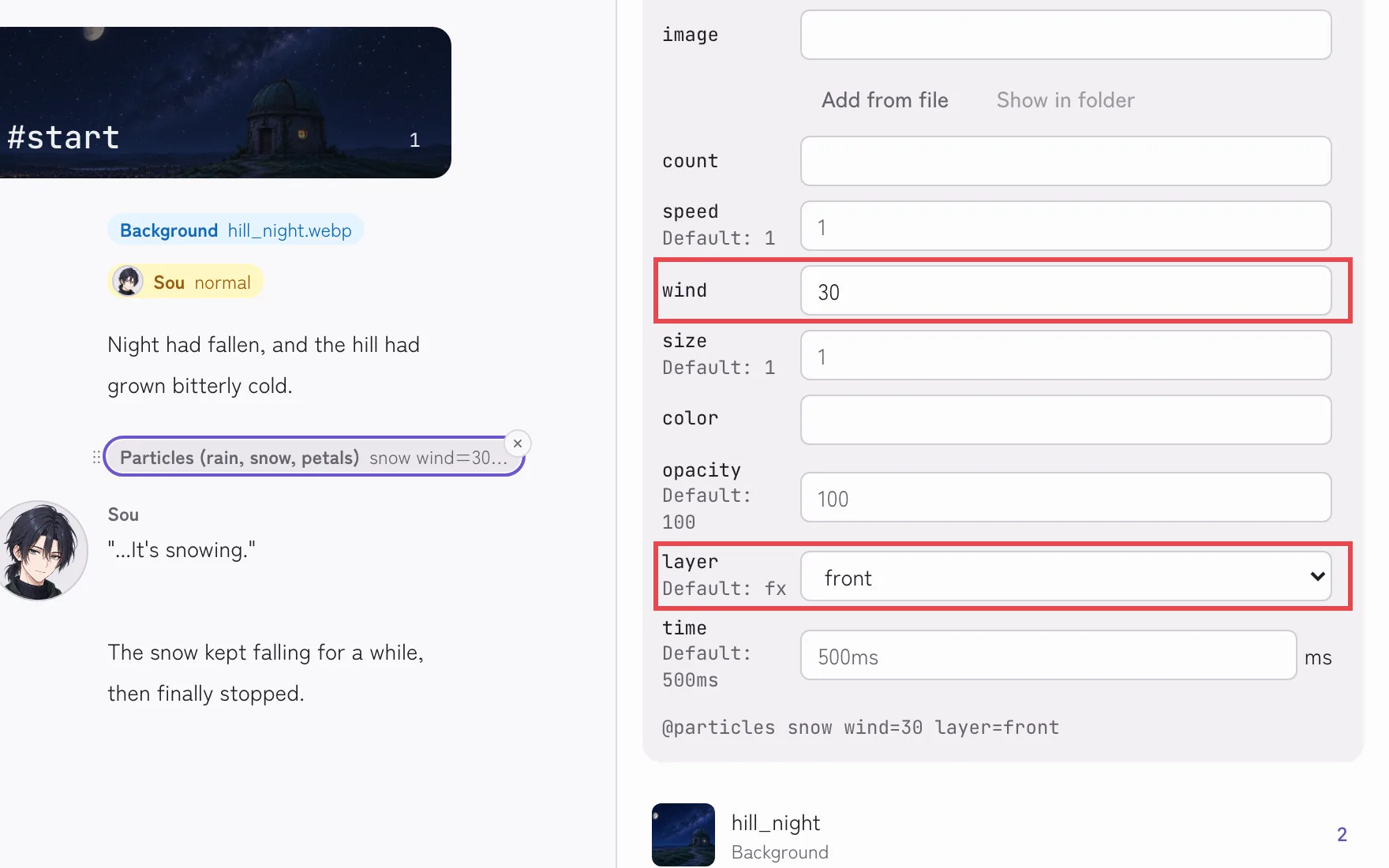
- Select the text block just before where it should start falling (here, “Night had fallen, and the hill had grown bitterly cold.”).
- Type “particles” in the search box at the top of the parts panel, and double-click “Rain, snow” in the results.
- In the parameter panel on the right, set
presetto “snow.”

- For a crosswind, enter a value in
wind(positive values blow to the right). Here, enter30. - To have it fall in front of the sprites too, set
layerto “front.”
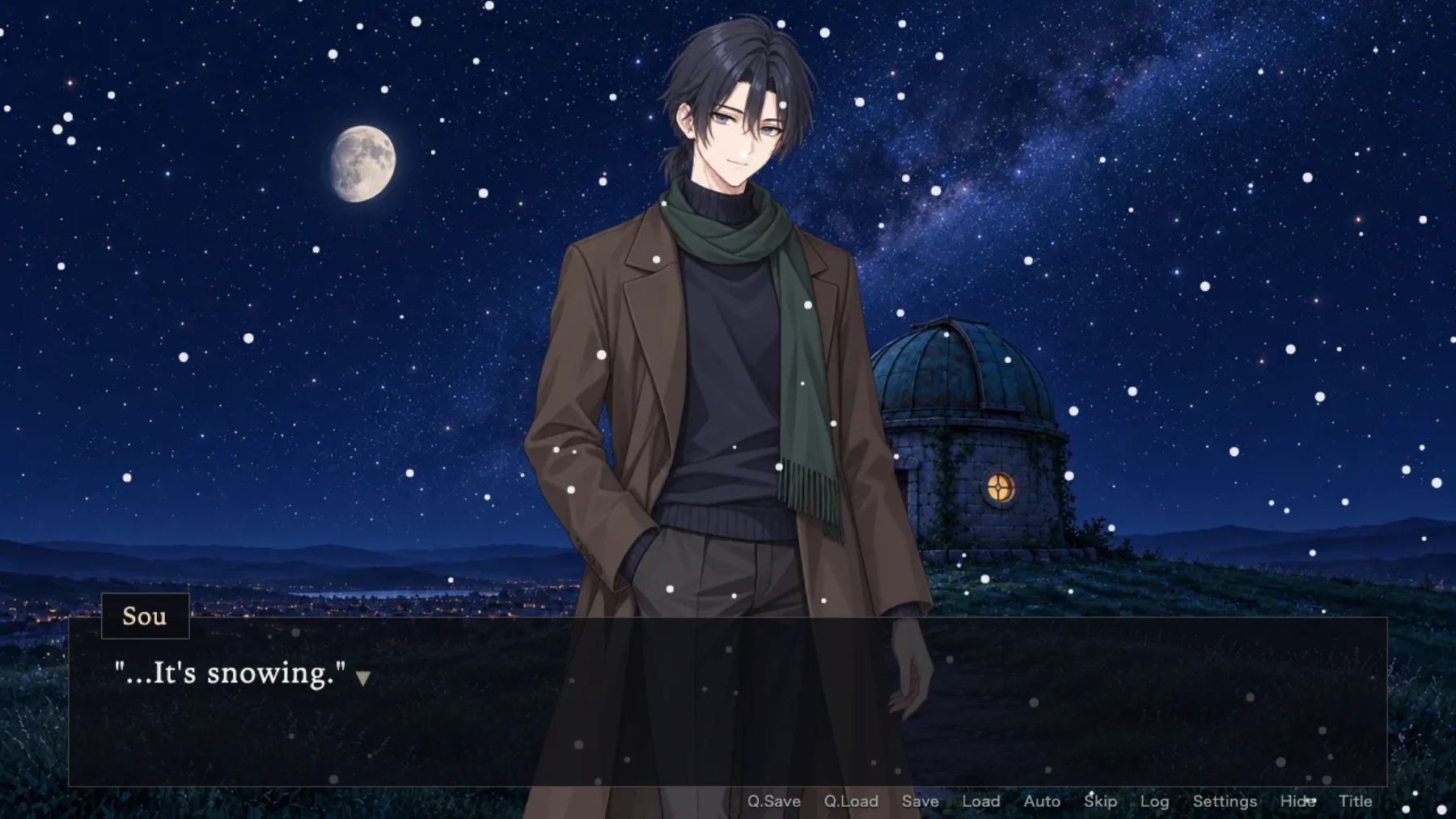
From the next line of dialogue, snow falls while drifting to the right.
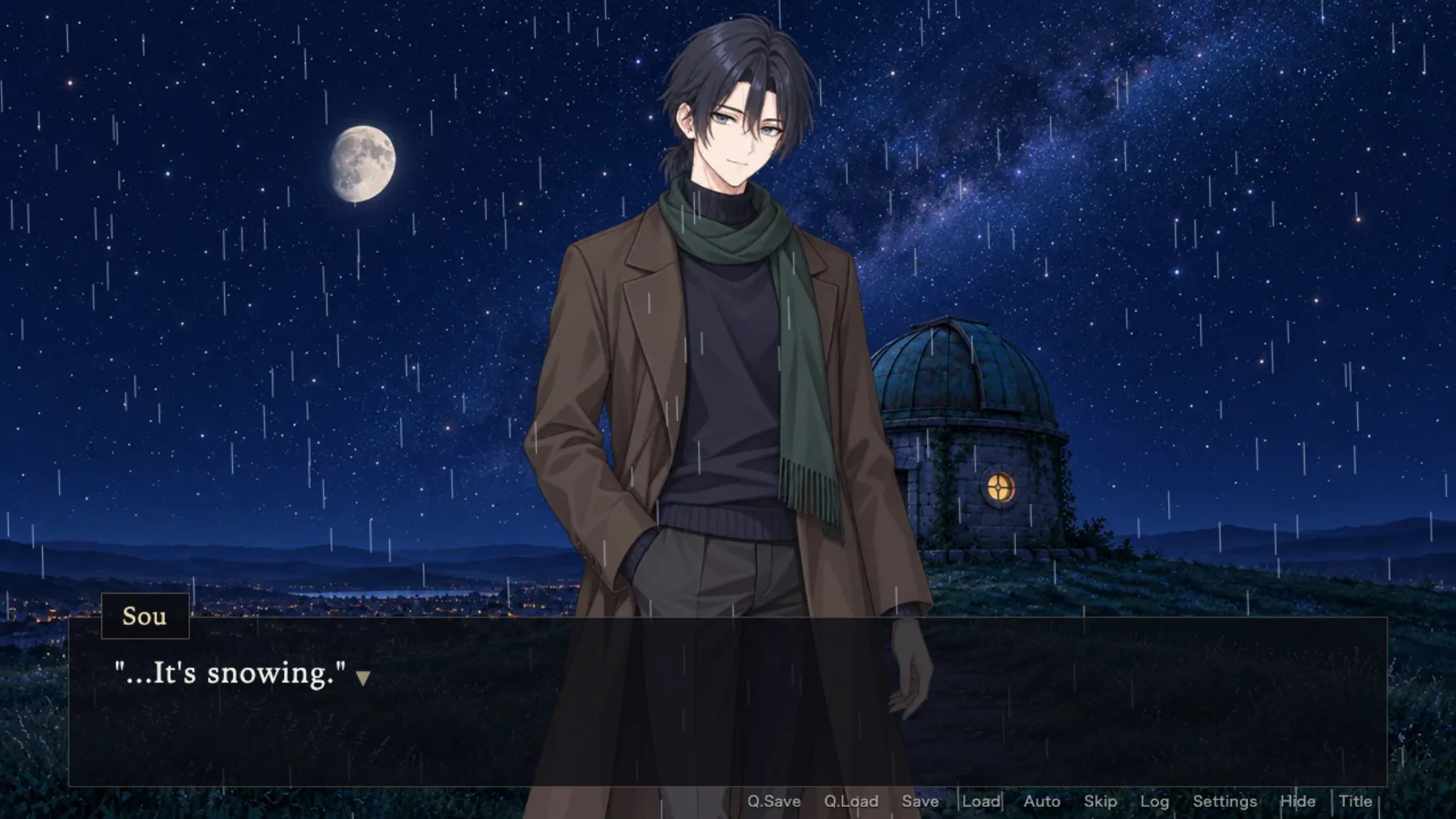
Set preset to “rain,” and it rains instead.
| preset | What falls |
|---|---|
| rain | Rain |
| snow | Snow |
| sakura | Cherry blossom petals |
| sparkle | Sparkles |
| dust | Dust |
| Parameter | What it sets |
|---|---|
| count | Number of particles (each kind’s default if left out) |
| speed | Speed factor (1 by default) |
| wind | Crosswind (px per second; positive values blow to the right) |
| size | Size factor (1 by default) |
| color | Color |
| opacity | Opacity (0 to 100) |
| layer | Where to place it (back is between the background and the sprites, front is in front of the sprites, fx is over the whole screen; fx by default) |
| image | Image to make fall (chosen from “Images” in the assets; each kind’s own shape if left out) |
| time | Fade-in time when it starts falling (500ms by default) |
Stop
- Select the block just before where it should stop (here, ”…It’s snowing.”).
- With “particles” still in the search box, double-click “Stop particles.”
- Enter the time it takes to disappear in
time. Here, enter2000(2 seconds).

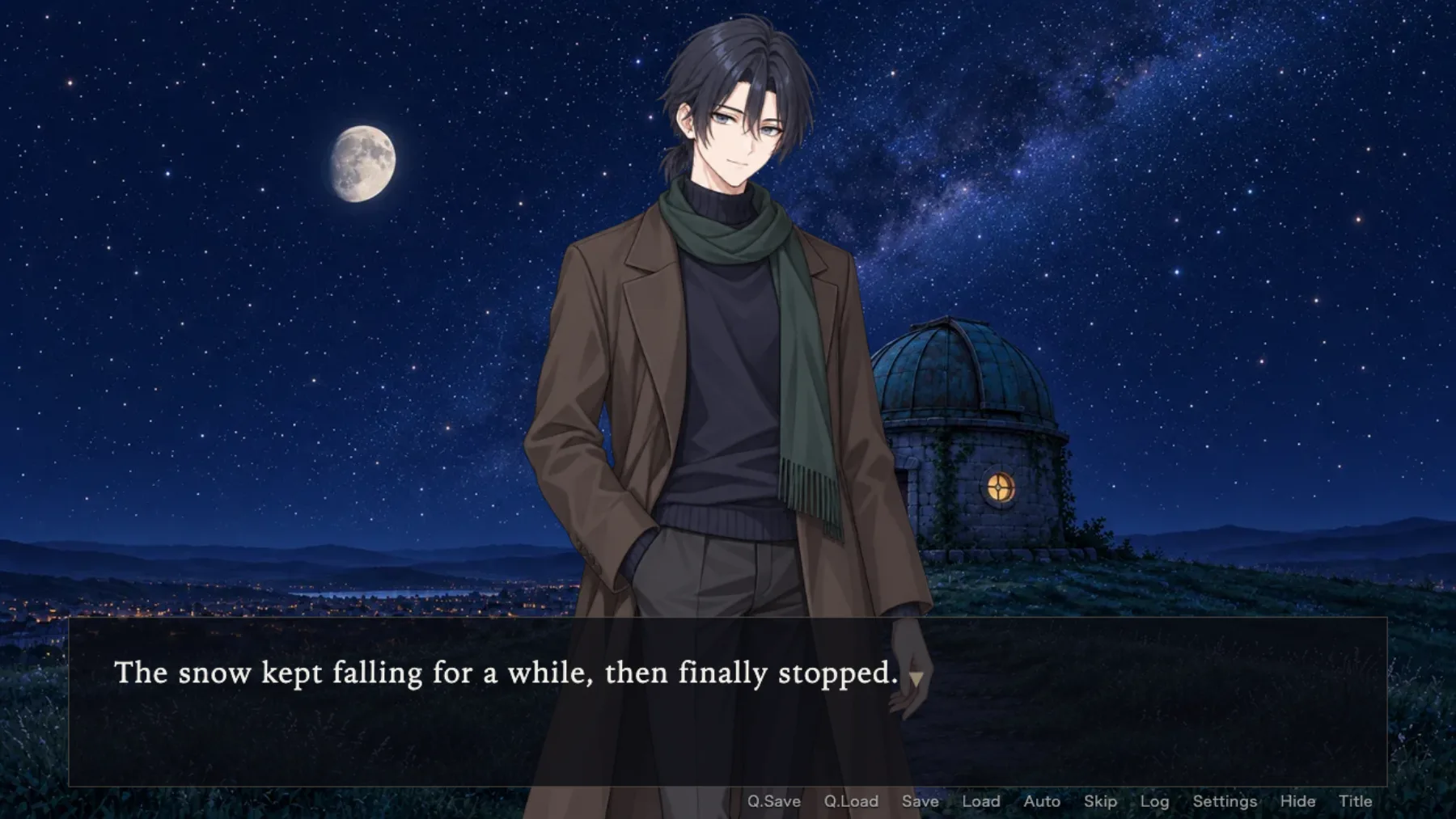
When the next text appears, the snow fades away over 2 seconds.
If you don’t write name, everything that’s falling stops. To make snow and rain fall at the same time and stop only one of them, give a name in name of the part that makes it fall, and enter the same name in name of the part that stops it.
In code
@bg hill_night.webp
@chara Sou normal
Night had fallen, and the hill had grown bitterly cold.
@particles snow wind=30 layer=front
Sou "...It's snowing."
@particles-off time=2s
The snow kept falling for a while, then finally stopped.
For details, see @particles and @particles-off.