
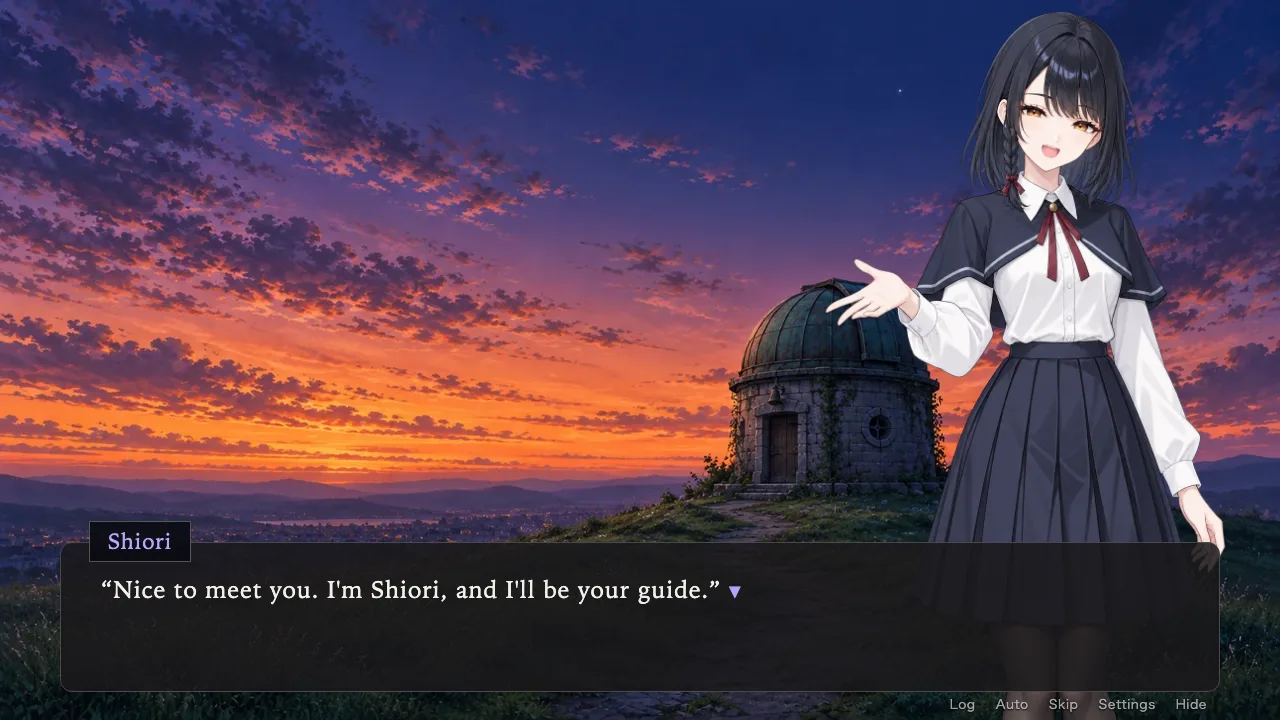
Edit and preview
side by side
Liminalia Studio is an app that handles writing, test play and export in one window. Below is a sample you can touch.
- Click a line to see the scene
- Rewrite a line
- Click the expression chip to switch variants
- Switch to the code view
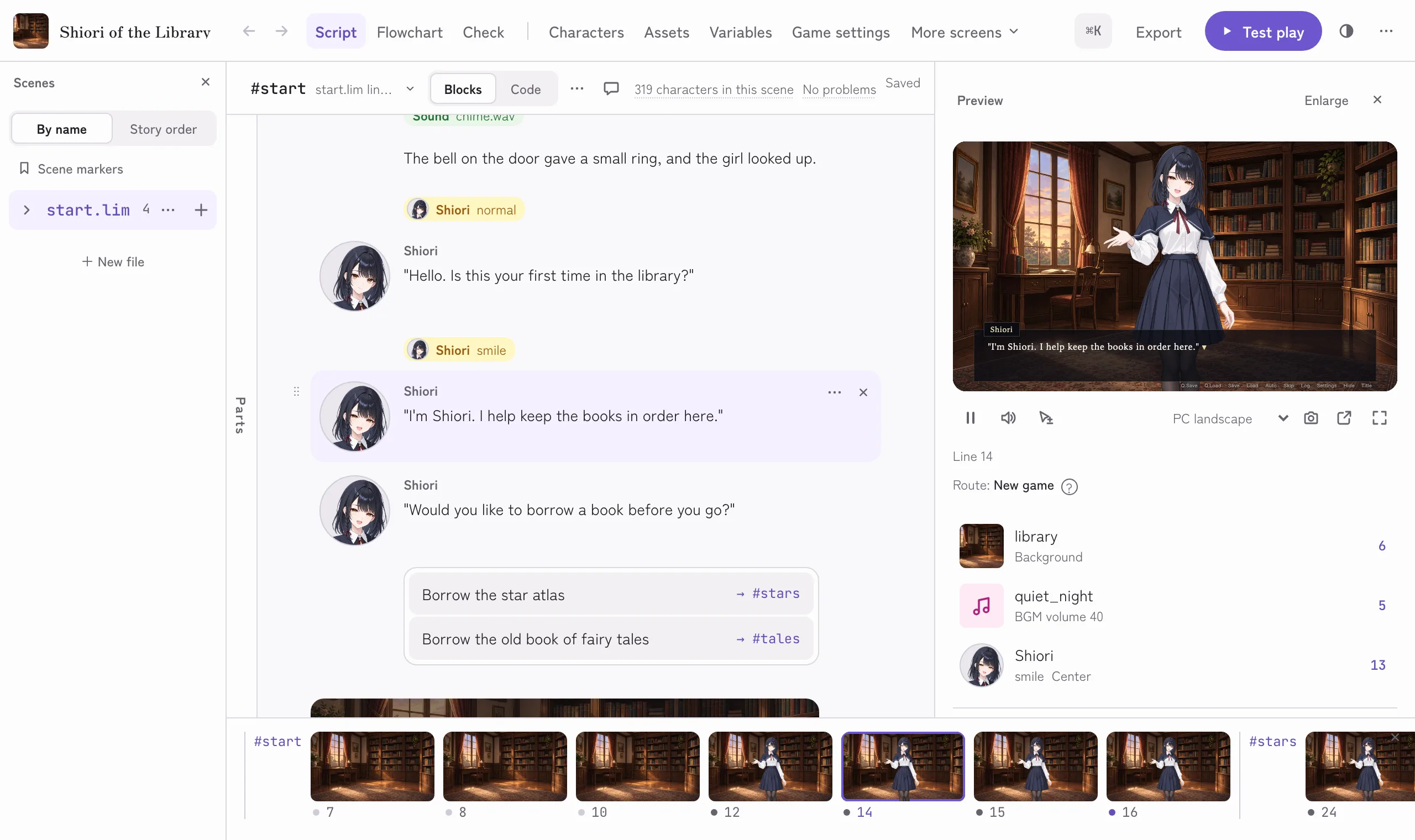
This sample is a copy of the Studio script screen. The real app also has a flowchart, all-route testing, change history and more.How to use Studio →
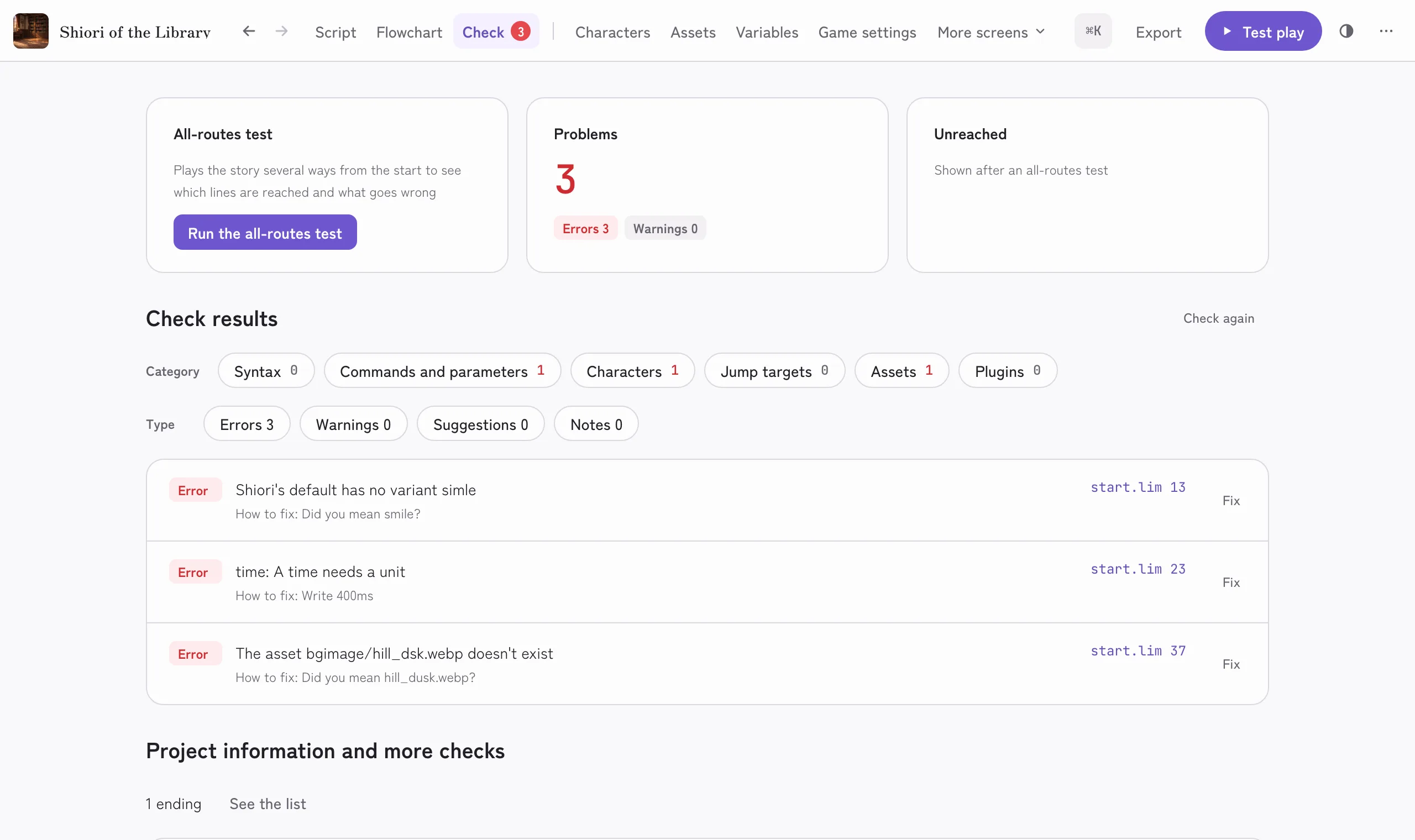
Catch errors
before test play
Typos show up before you run anything, with the line and how to fix it. Try the Fix buttons below.
AI-written scripts go through
the same syntax check
Connect Claude or Codex with lim mcp, and the assistant writes, checks, and takes screenshots to confirm the screen.
No AI is bundled. You can make the whole game without it.
Write a short story about waiting for shooting stars at the hilltop observatory
write_scenarioWrite the scenario. Checks the whole project every timetraceRun to the end without showing the screenscreenshotTake a screenshot to check how it lookscoverageRun every route and return the lines never reachedbuildExport for the browser, Mac, Windows and Linux
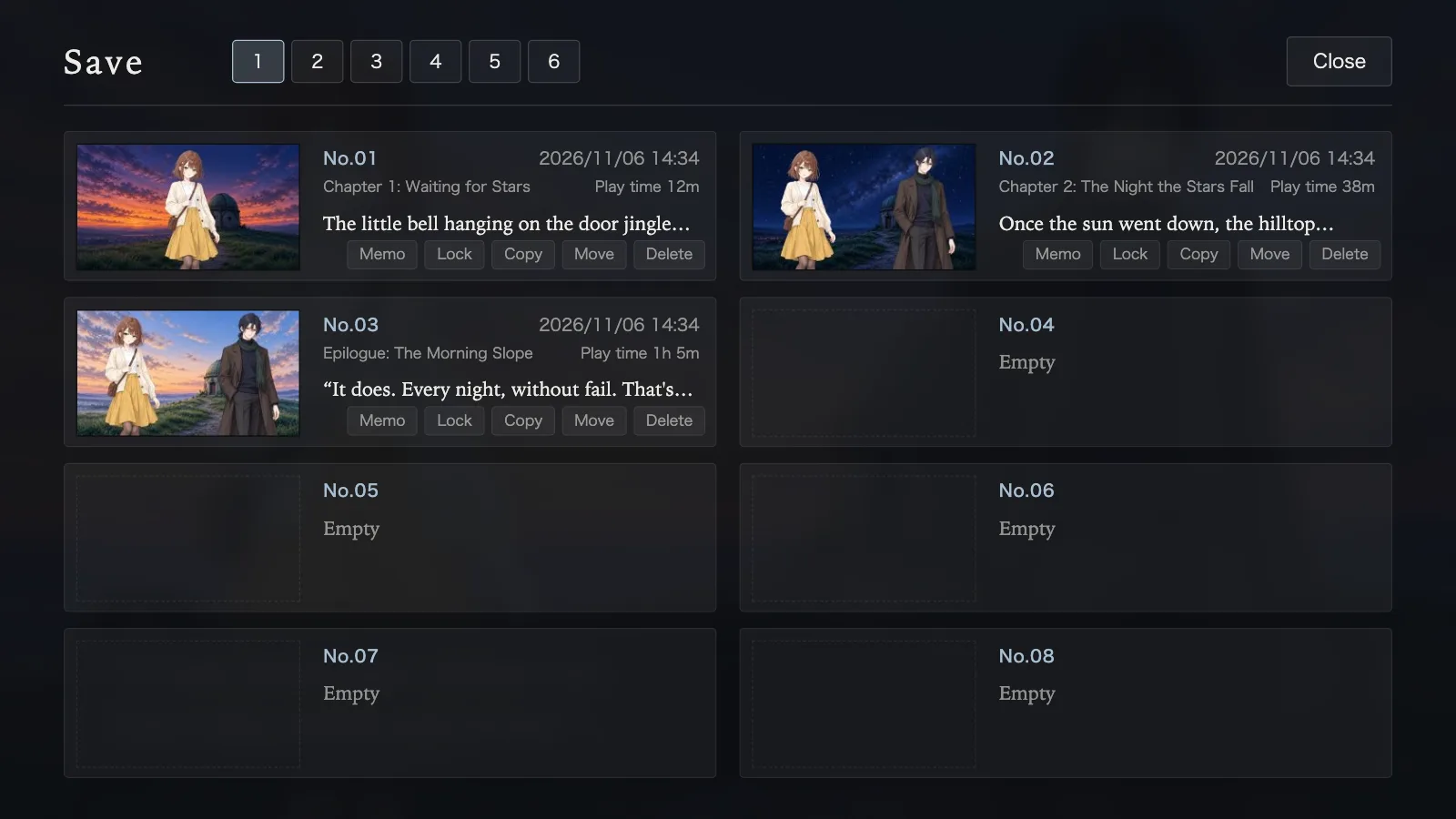
Built-in system screens
ready to use
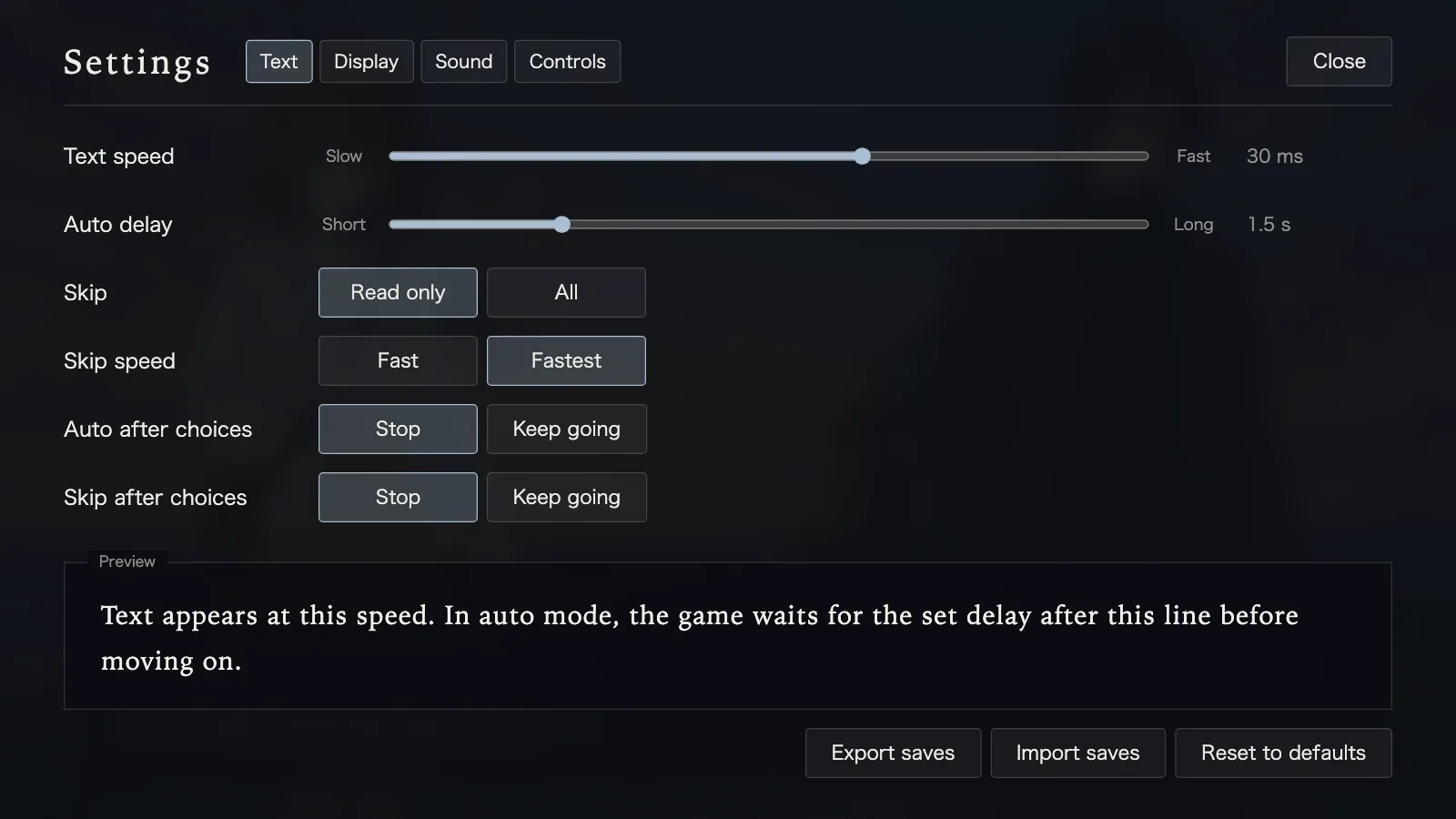
Save and load, backlog, settings, extras and text-to-speech. They work as soon as you write a scenario.
Export to six targets
- Browser
- Mac
- Windows
- Linux
- Android
- iOS
lim playtest plays your exported game to the end automatically. Uploading to Steam is a command too.
Move from other engines
- TyranoScript
- Ren'Py
- Ink
- Yarn Spinner
- Twine
TyranoScript projects are imported while checking that the text matches word for word. Tags that can't be handled are reported with a reason.
Learn by building a short game
Build the short game “Shiori of the Library” from an empty project in 10 chapters.

Try Liminalia Studio
The beta of Liminalia Studio is available for Mac and Windows, free of charge.
Go to the download page