

Full-screen text (sound novel style) and vertical writing
On this page
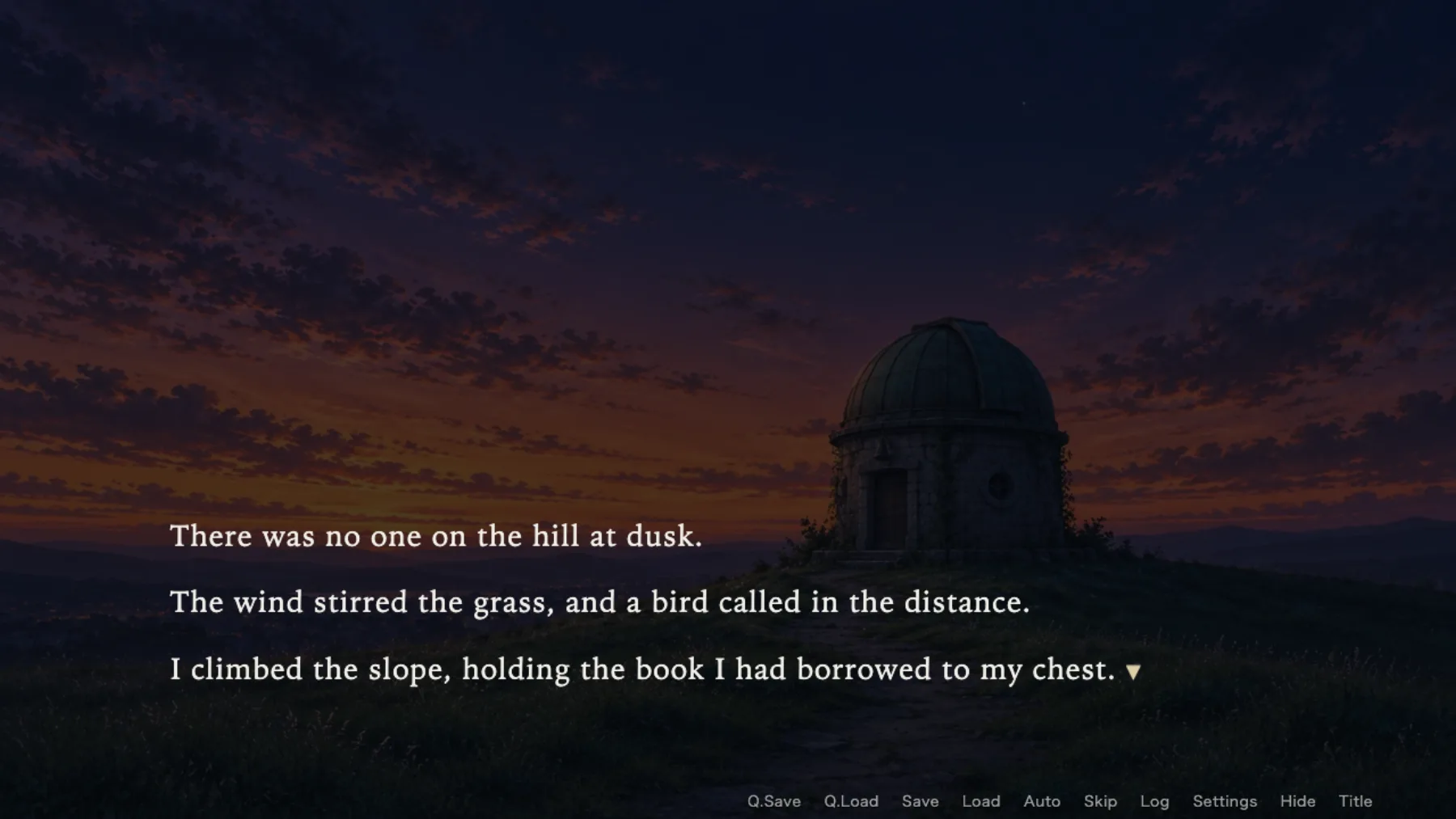
Showing text over the whole screen, paragraph after paragraph, without a message window, as in a sound novel (a style of visual novel where the text fills the screen), is called NVL. In NVL, clicking doesn’t clear the previous paragraph; the text keeps going down the screen.
The examples on this page use the English sample story, “Waiting for Stars” (choose “A sample story” and English in New Project, or run lim new --lang en; the characters are Akari and Sou).
Switch to NVL
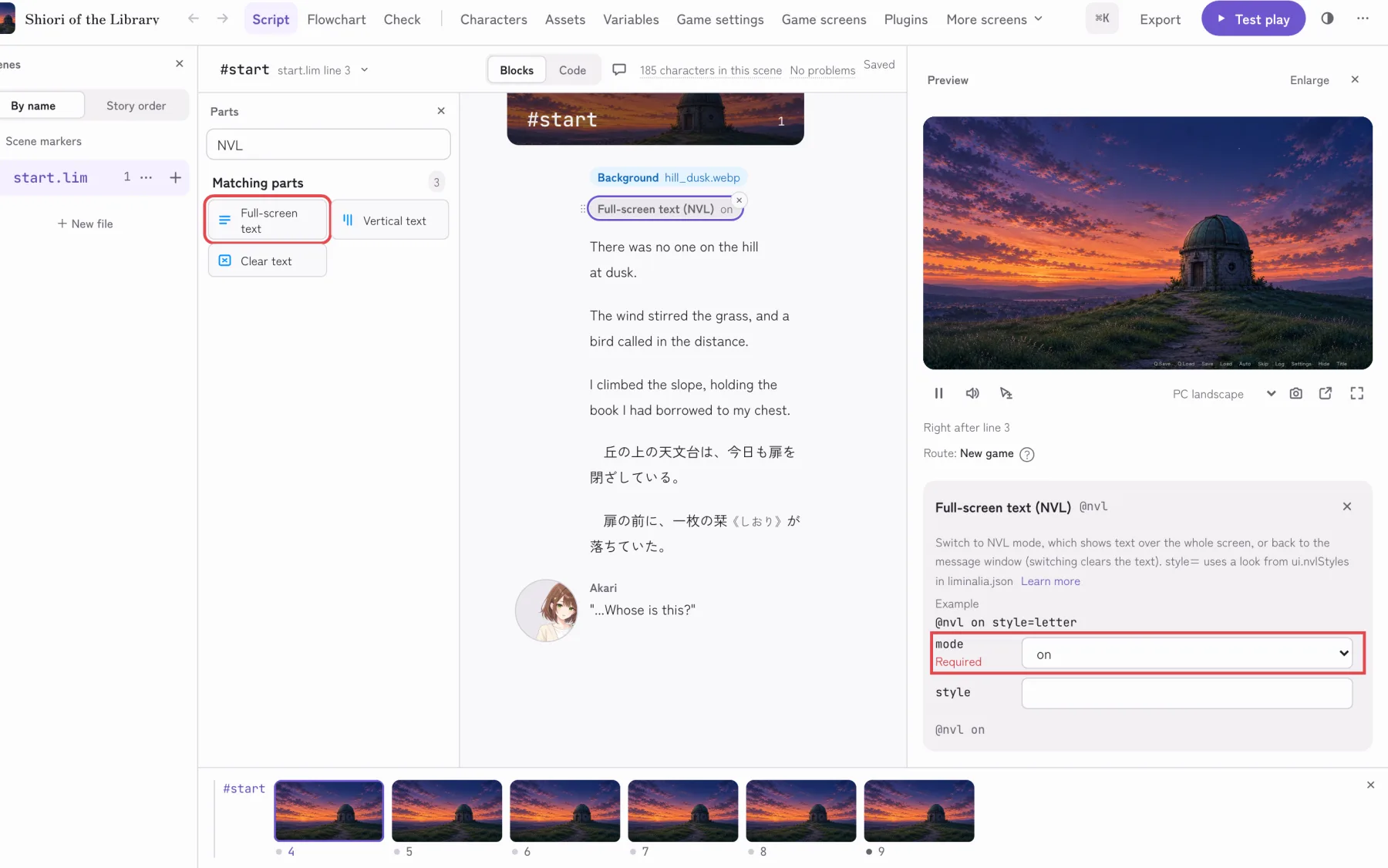
- Select the line just before where you want NVL to start (here, the background line).
- Type “NVL” in the search box at the top of the parts panel, and double-click “Full-screen text” in the results.
- Set
modeto “on” in the right panel.
From here on, dialogue and narration pile up as paragraphs over the whole screen.
Clear the text
When the paragraphs build up, clear the text at a break in the story.
- Select the line just before where you want to clear it.
- Type “clear text” in the search box at the top of the parts panel, and double-click “Clear text” in the results.
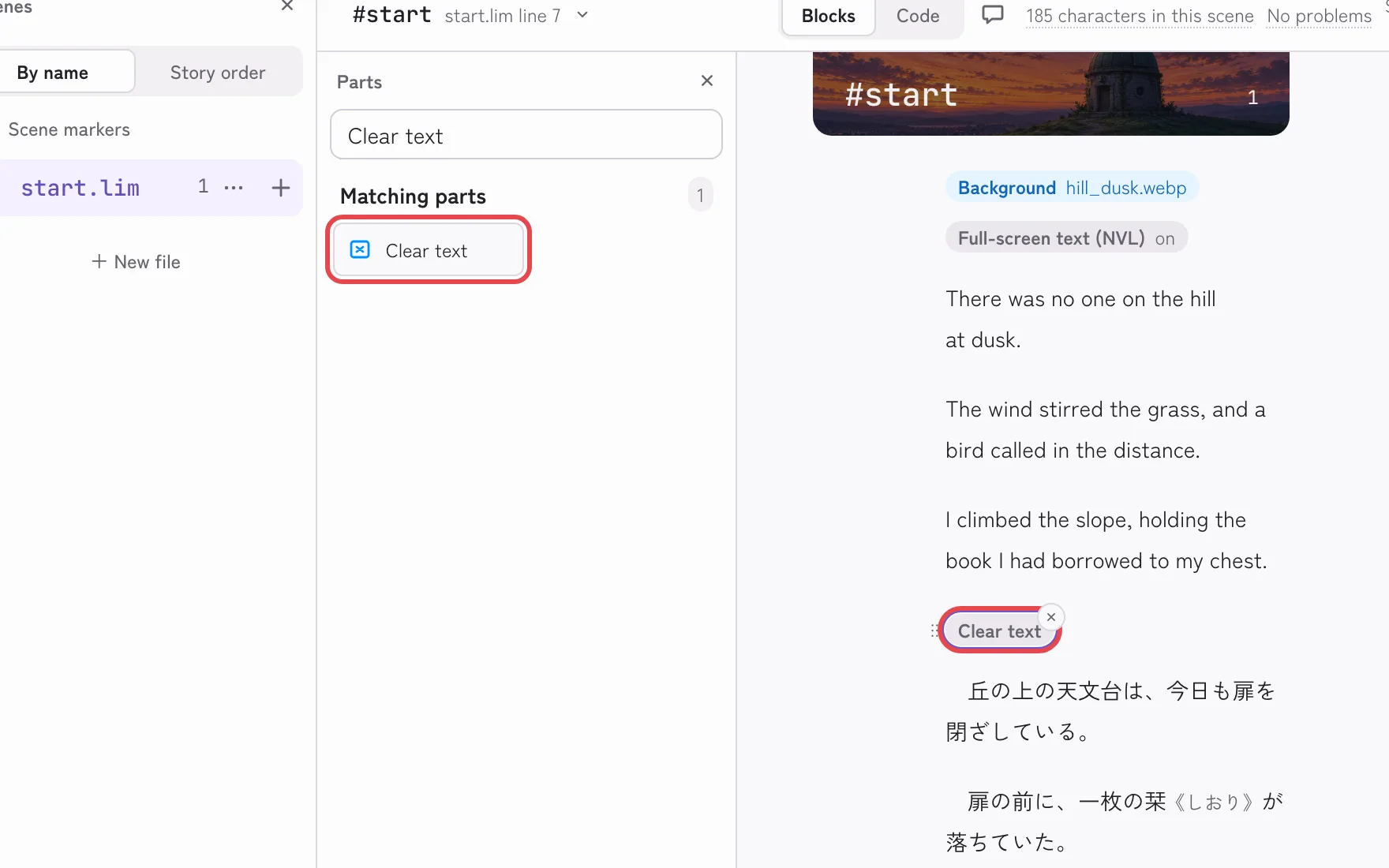
The next paragraph starts at the top of an empty screen. Used with the message window, it clears the text in the message window.
Write vertically
Vertical writing is a Japanese layout in which each line runs from top to bottom.
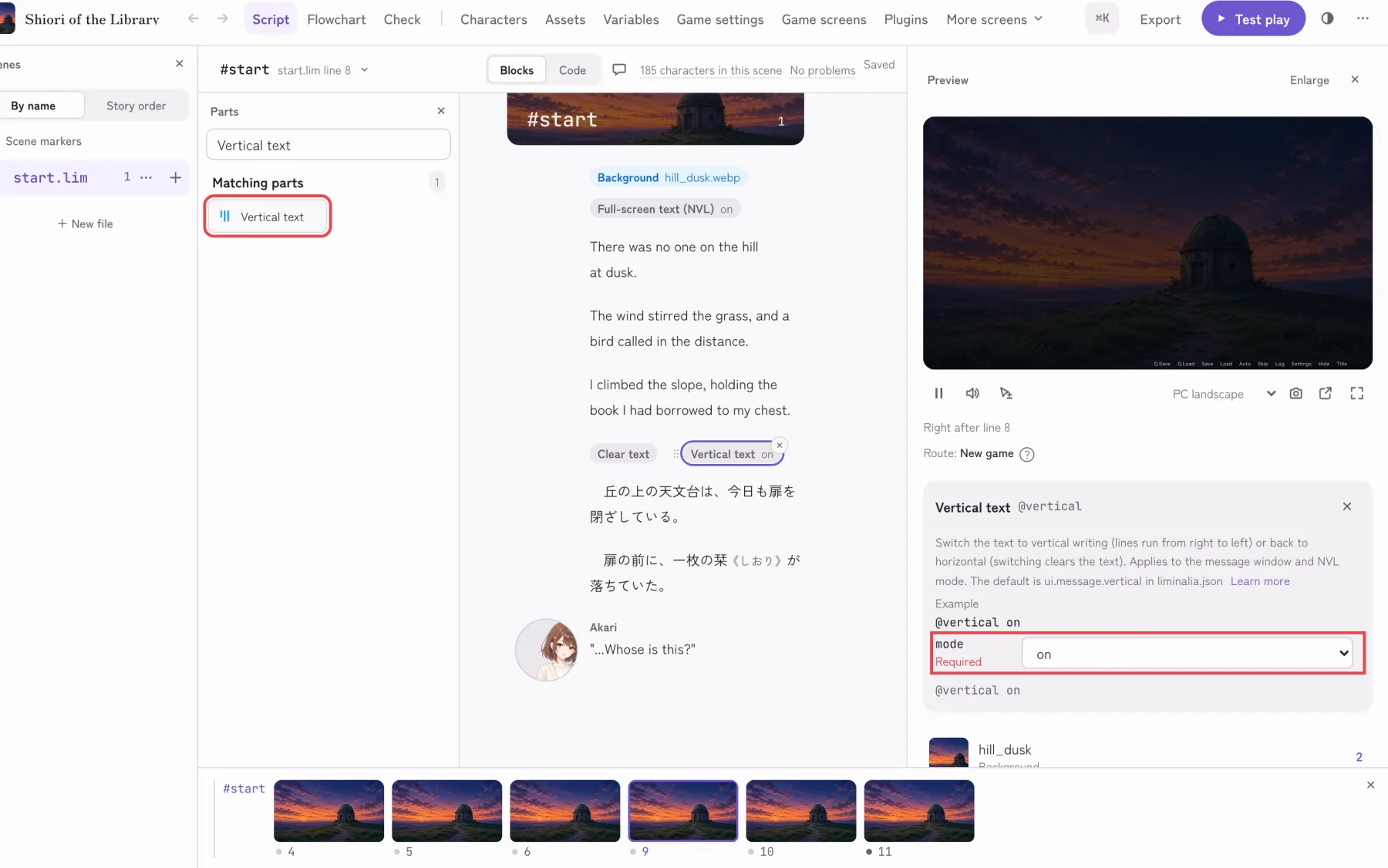
- Select the line just before where you want vertical writing to start.
- Type “vertical” in the search box at the top of the parts panel, and double-click “Vertical” in the results.
- Set
modeto “on” in the right panel.
Lines go from right to left, and ruby (the small reading aids for Japanese characters) appears to the right of the characters.
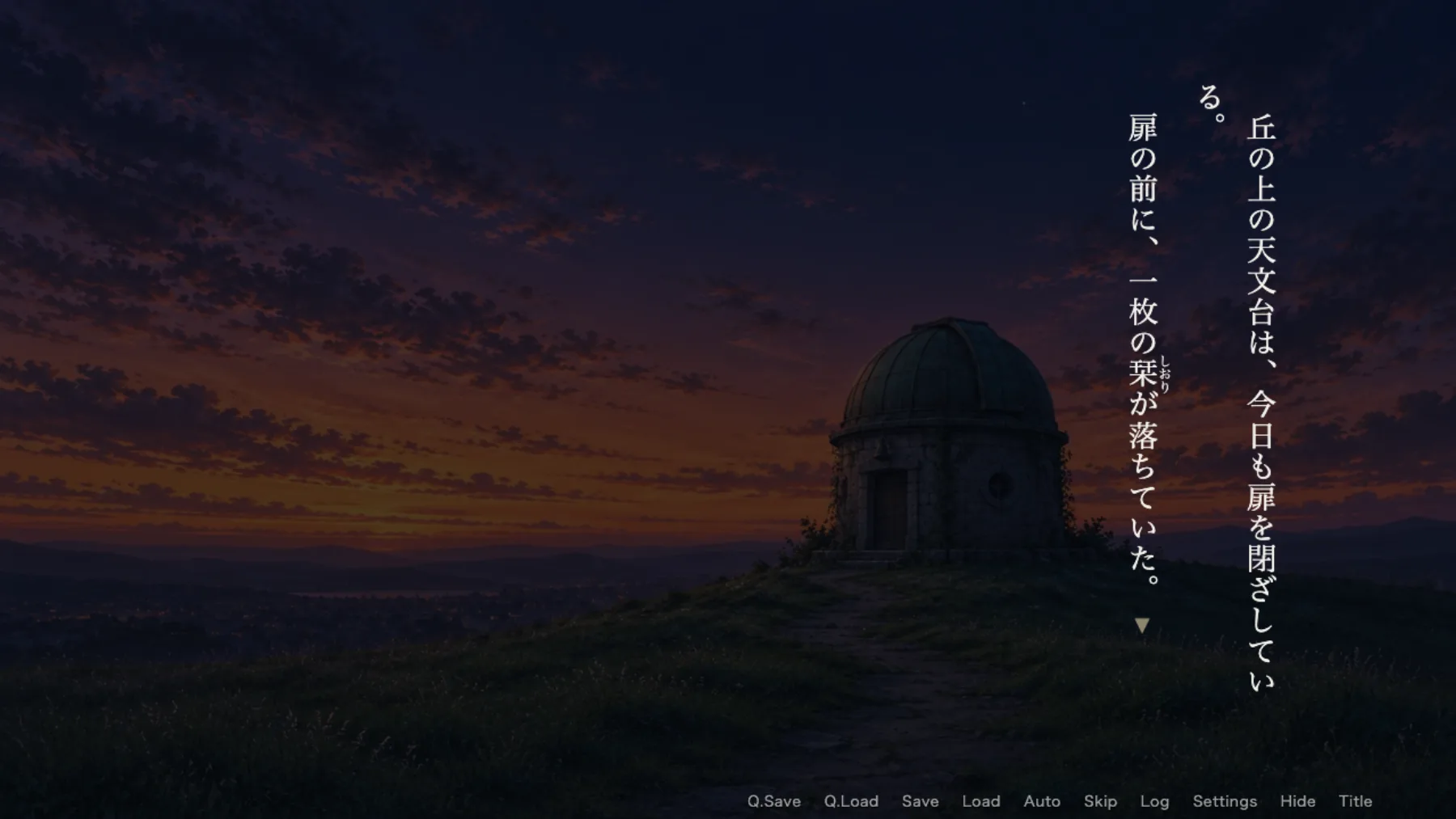
Vertical writing also works with the message window. If you haven’t set the position and size of the message window, it’s placed as a tall box on the right of the screen. To make the whole project vertical, check “Vertical text” under “Message window” in Game settings.
Switch back
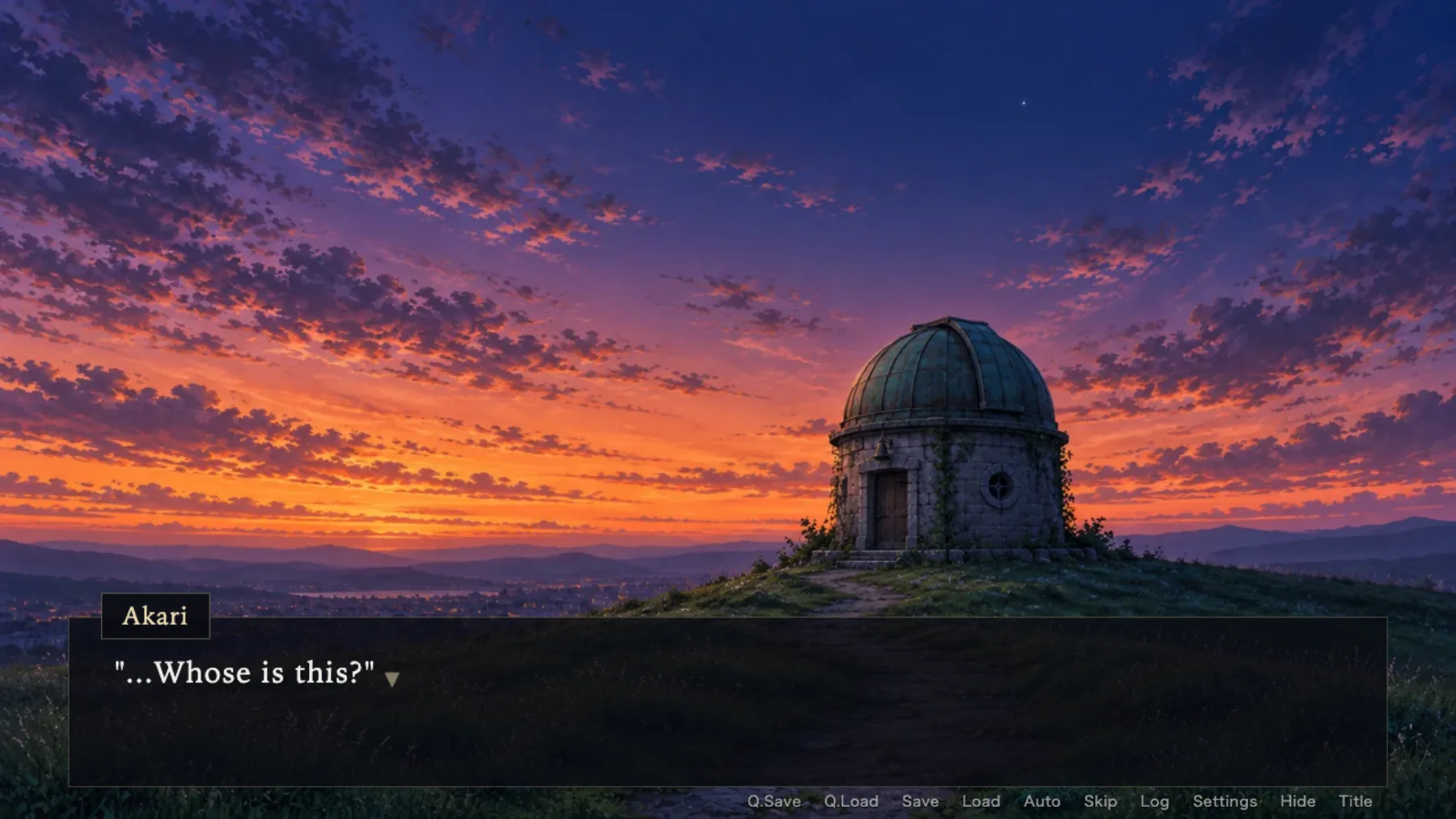
Set the mode of “Vertical” to “off” to go back to horizontal writing, and the mode of “Full-screen text” to “off” to go back to the message window. Switching NVL or vertical writing clears the text on screen.
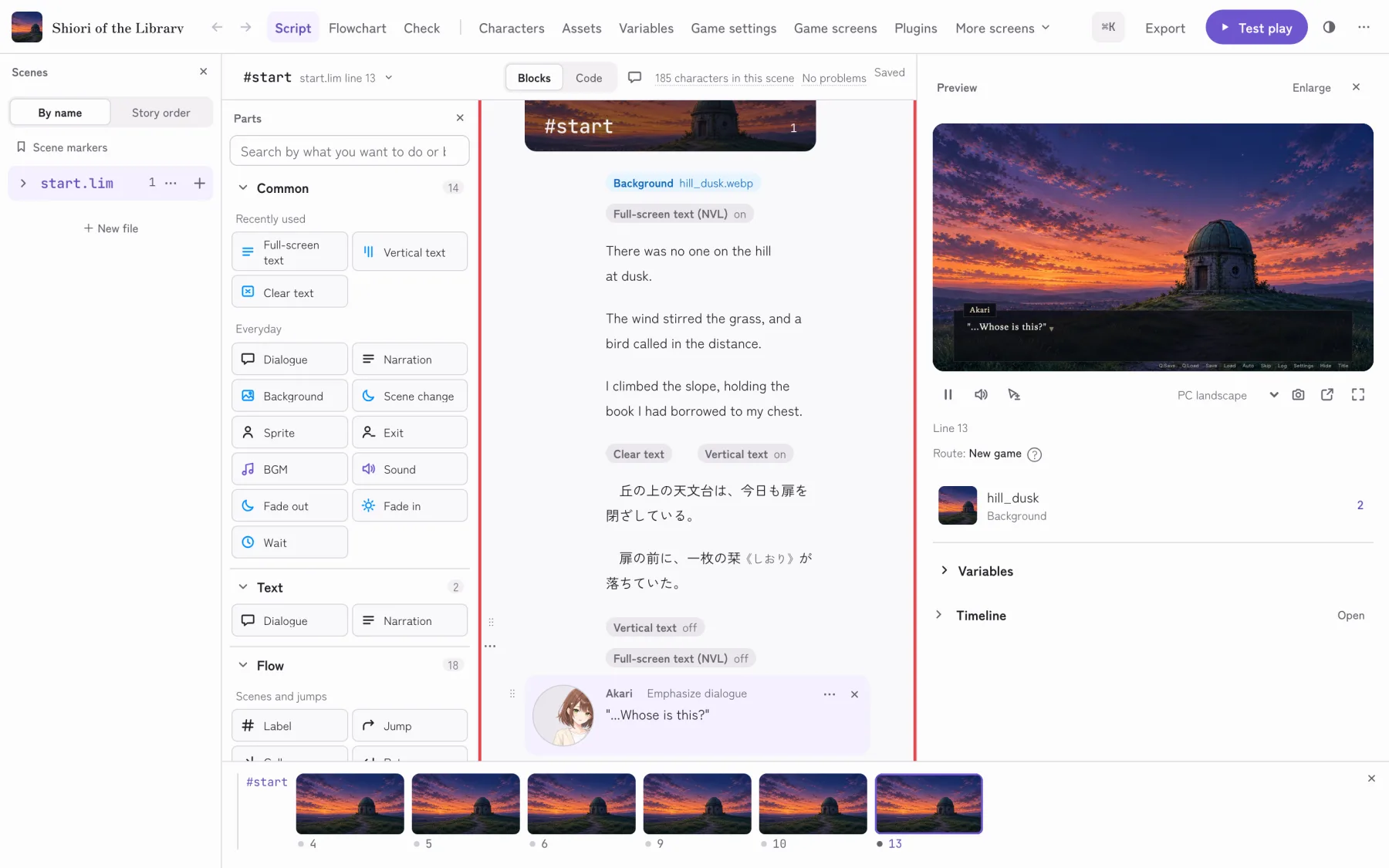
You can change the space between paragraphs with “NVL paragraph gap (relative to the text size)” under “Text” in Game settings.
In code
@bg hill_dusk.webp
@nvl on
No one was on the hill at dusk.
The wind stirred the grass, and a bird called in the distance.
I climbed the slope, holding the borrowed book to my chest.
@clear
@vertical on
 丘の上の天文台は、今日も扉を閉ざしている。
 扉の前に、一枚の{r 栞|しおり}が落ちていた。
@vertical off
@nvl off
Akari "...Whose is this?"
The two vertical lines are left in Japanese, the language vertical writing is meant for. They say that the observatory on the hill has its door shut again today, and that a bookmark (栞, with the ruby しおり) lies in front of the door.