

Encrypt assets and scenarios
On this page
As exported, a game lets anyone who opens its folder take out the images, sounds and scenario. Encryption turns the assets and scenario inside the app into a form that can’t be used as is. The game decrypts them as it reads them, so players notice no difference.
Encrypt the desktop version
- Click the project button at the top left of the screen, and choose “Export” at the top right.
- Check “Encrypt assets and scenario (desktop).”
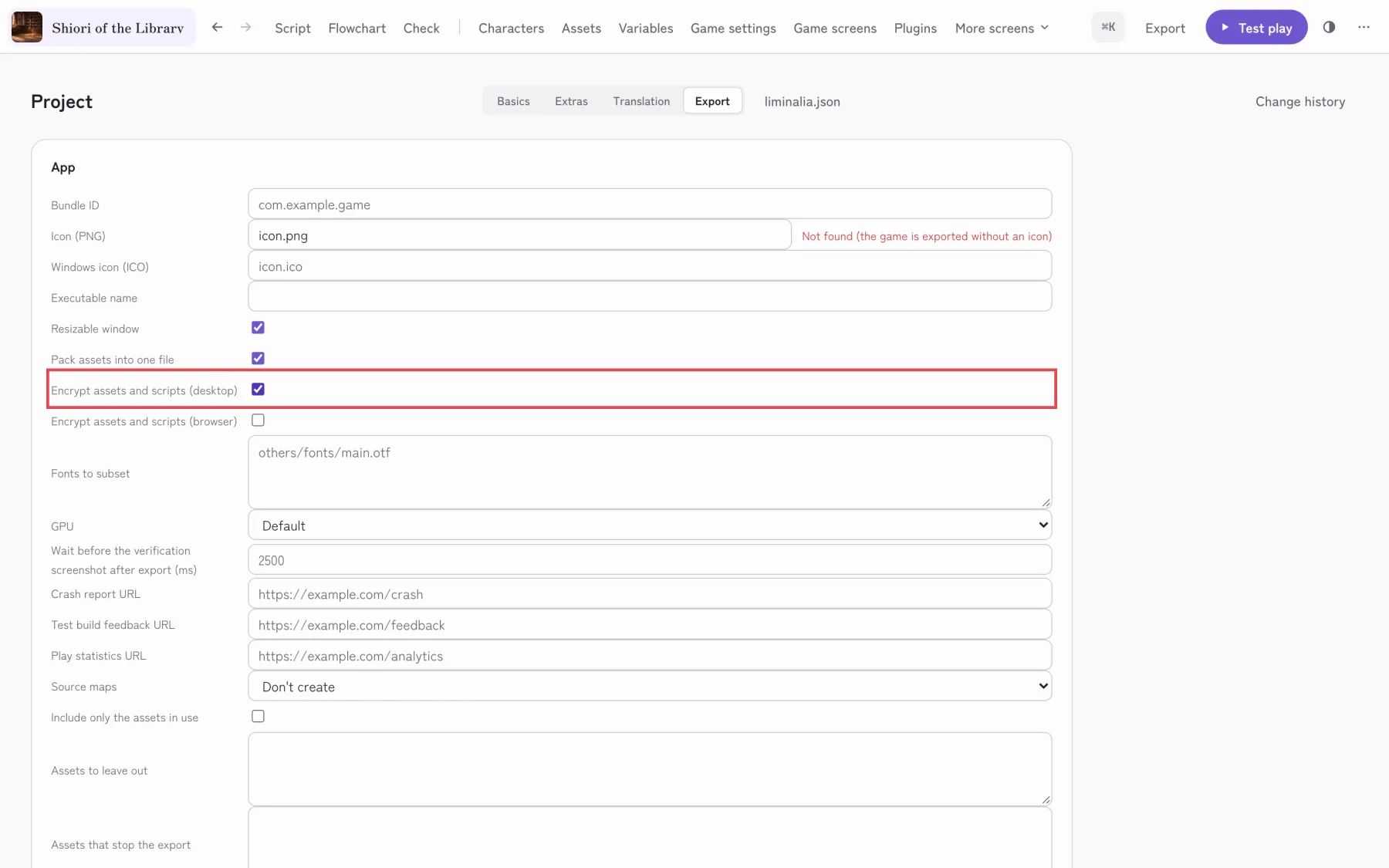
From the next export on, the desktop version’s assets, scenario, data, characters, translations and the packs included in the export are encrypted. “Settings” on the desktop export screen also shows whether encryption is on.
Encrypt the browser version
- Open “Export” in the project settings, the same place as for the desktop version.
- Check “Encrypt assets and scenario (browser).”
In liminalia.json, this is encrypt under browser in build.
"build": { "browser": { "encrypt": true } }An encrypted browser version can be played only on an https page (such as itch.io) or at http://localhost. You can’t open it by double-clicking the file (file://).
Back up the key
There’s one encryption key per project, created in the project folder at .liminalia/encrypt-key (.liminalia/encrypt-key-browser for the browser version). This folder isn’t included in version control (Git).
If you lose the key, you can no longer make additional content (packs) that fits a game you’ve already distributed. Back it up somewhere else, as you would any other important password.
What it can and can’t do
- It keeps people from seeing the assets just by opening the folder, and other tools from reading them as is. The key is inside the game, so someone who takes the trouble to dig into it can break it. It’s not a substitute for copyright protection.
- The smartphone versions (Android and iOS) aren’t encrypted.
In liminalia.json
"build": { "encrypt": true }