

Check the tools needed for export
On this page
Different export formats need different tools: a tool to build the Windows installer, the Android SDK, Xcode, steamcmd for uploading to Steam and so on. Run lim doctor to check at once whether this computer has them. For anything missing, it shows how to install it.
Check
In the project folder, run the following command.
lim doctor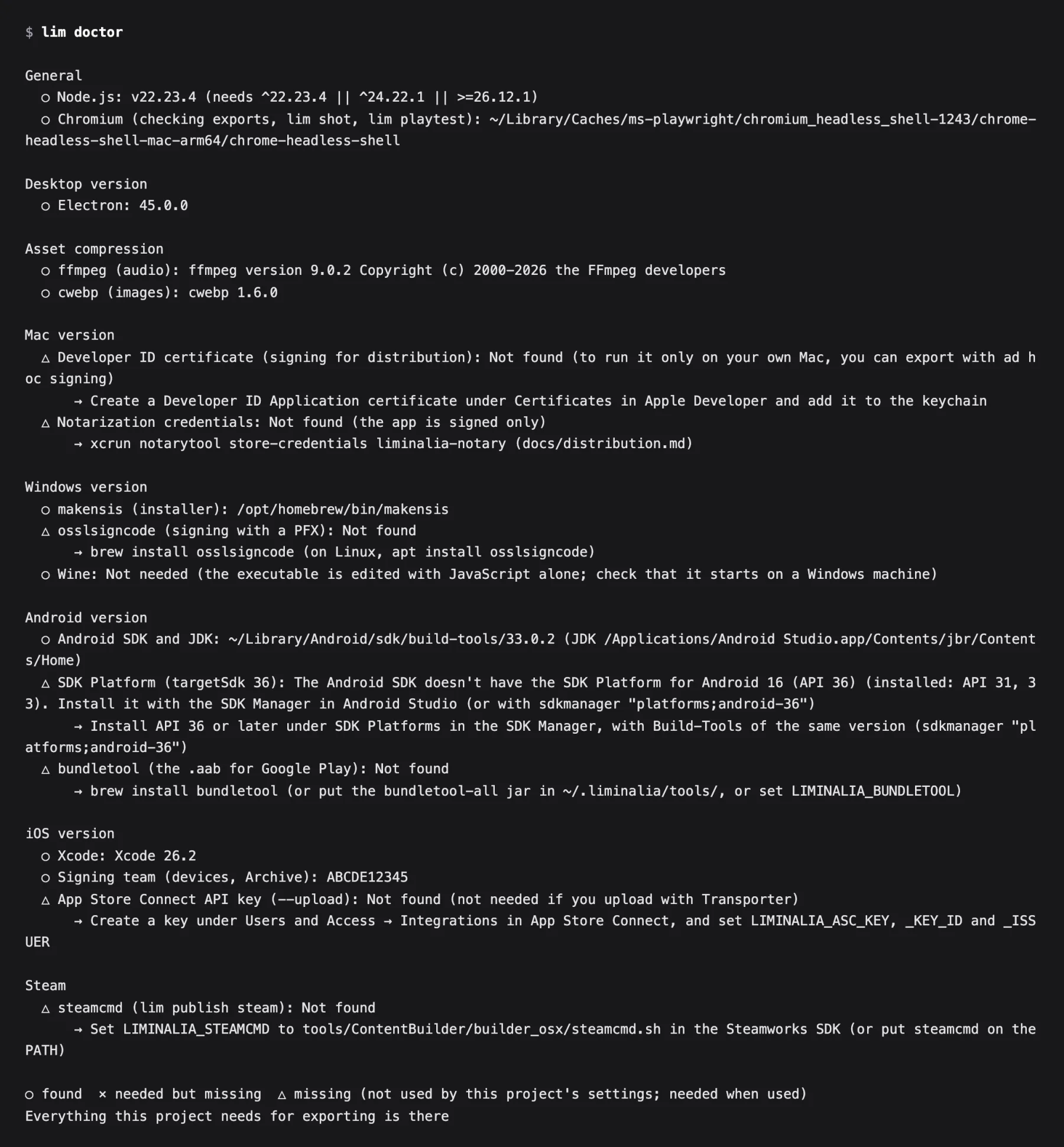
| Mark | Meaning |
|---|---|
| ○ | Installed |
| × | Missing, and needed to export this project |
| △ | Missing, but not used with this project’s current settings (needed when you use it) |
Under each missing tool, how to install it appears after →. The last line shows whether you have everything needed to export this project. The output is in Japanese.
Narrow down the export formats
Pass export formats with --target to check only what those formats need. Separate several with commas.
lim doctor --target android,ios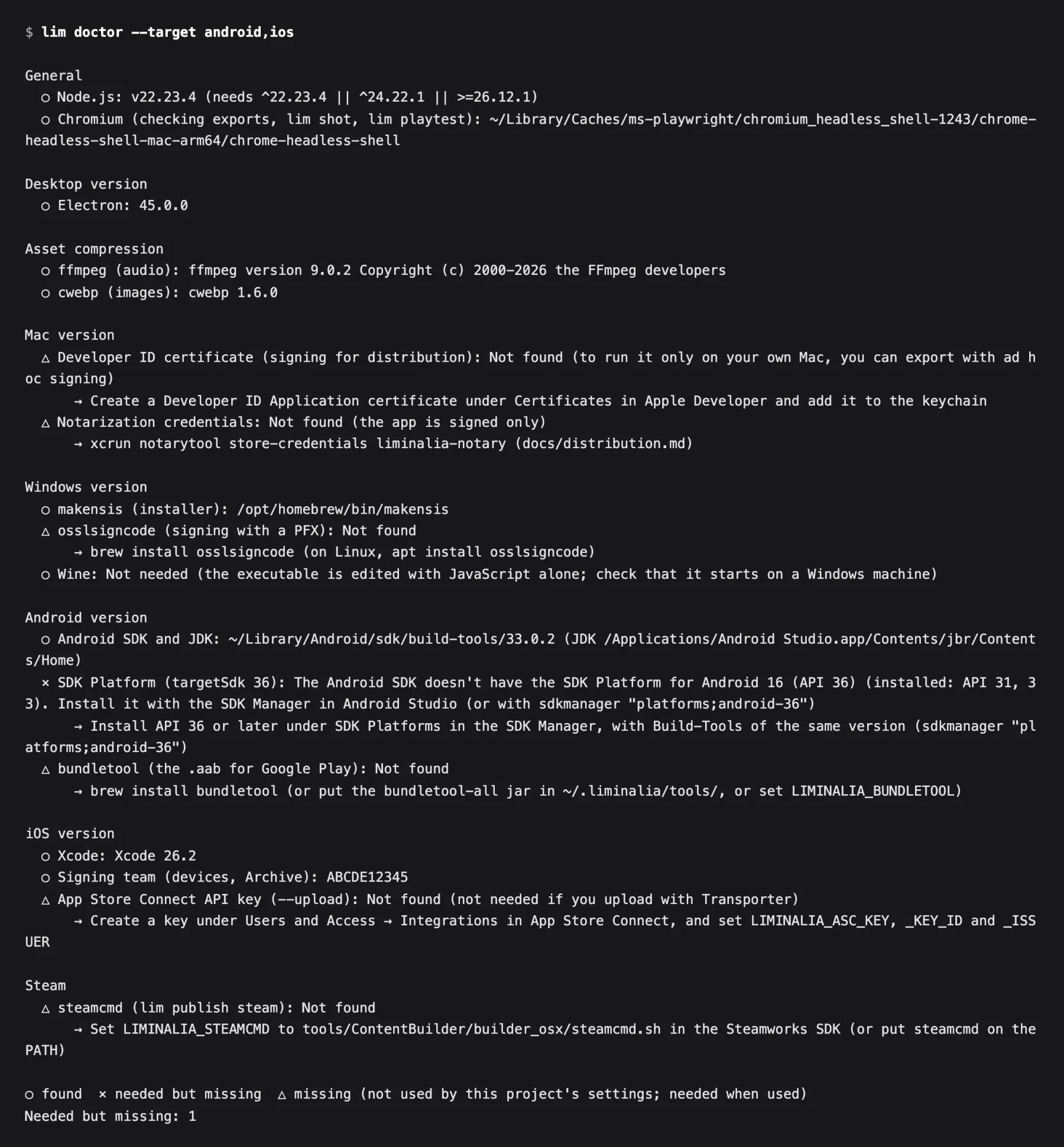
The formats you can pass are mac, windows, linux, android, ios, steam and update.
If you keep tools in your own locations
If you keep tools somewhere other than the usual place, run it with the same environment variables you use for exporting (LIMINALIA_STEAMCMD, LIMINALIA_BUNDLETOOL and so on), and it checks in that place.