

Fade out, fade in and flash
On this page
The “Fade out” part covers the screen with a single color, and the “Fade in” part removes the cover. Changing the background while the screen is covered makes the change of scene clear. Use white as the color and keep it short, and you get a flash.
The examples on this page use the project you make in the tutorial, “Shiori of the Library.”
Fade out and change the background
- Select the text block where the screen should fade out (here, “The chime rang to send everyone home.”).
- Double-click “Fade out” in the parts panel.
- In the parameter panel on the right, enter the time it takes to go dark, in milliseconds, in
time. Here, enter1000(1 second).

Put a background block right after the fade out block, and the background changes while the screen is dark (to fade out, hide sprites, change the background and fade in all at once, a single Scene change part does it all).
- Select the background block (“Background hill_dusk.webp”), and double-click “Fade in” in the parts panel.
- In the parameter panel for the fade in, also enter
1000intime.

When you play, the library goes dark over 1 second, the background changes to the hill while it’s dark, and then the screen brightens over 1 second.
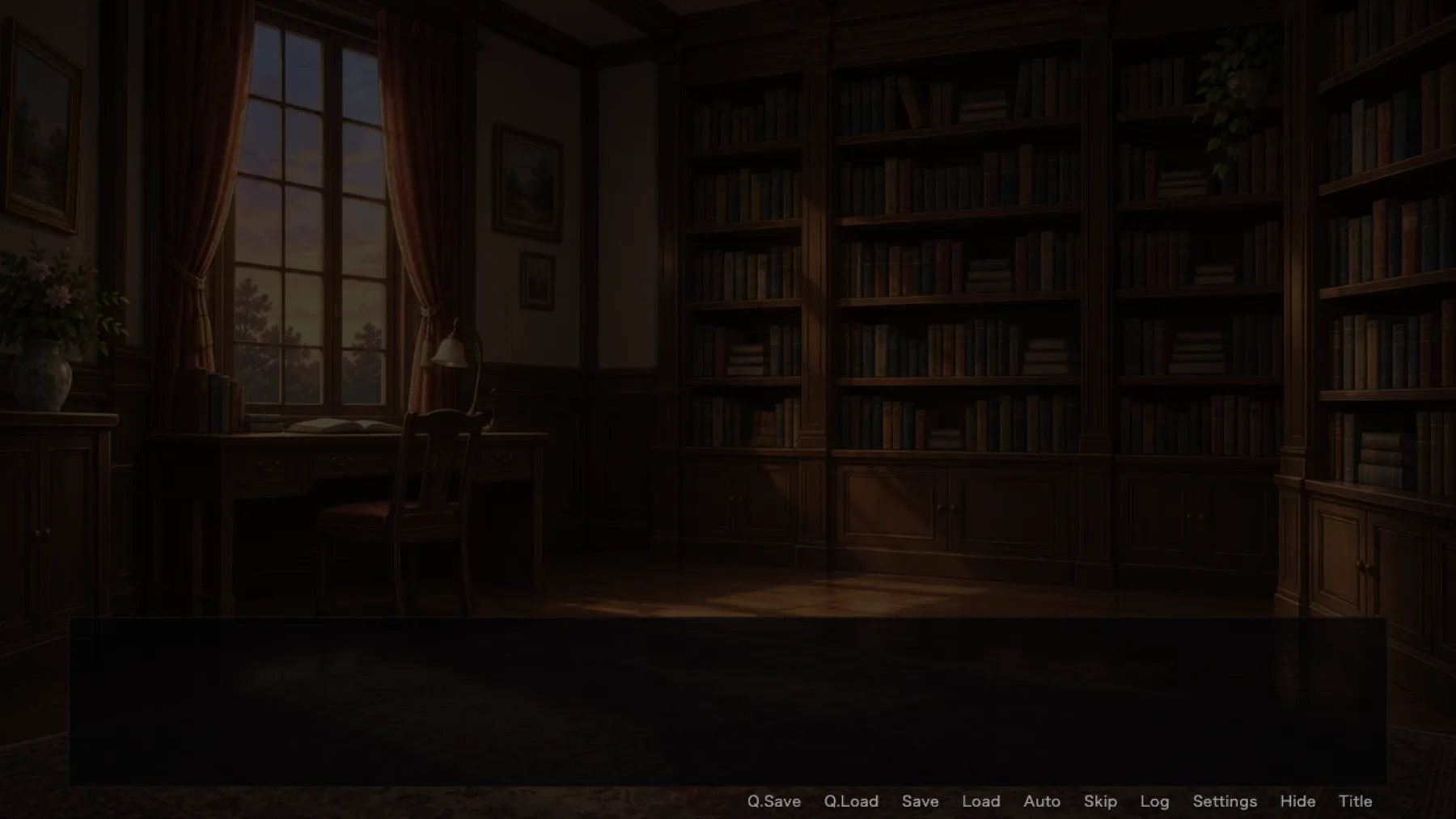

A fade out covers the whole screen, including the message window. When it fades in, the window and text come back as they were.
You can also change how the screen is covered and uncovered with method, pattern and rule. The choices are the same as for background changes (Change how backgrounds transition).
Flash white
Set the cover color with color. Cover the screen briefly with white and remove it right away, and you get a flash. To insert just a white or black frame for an instant, you can also use the “Flash” part (Add one-shot effects).
- Select the block where the flash should go (here, “On the way home, I walked down the hill, holding the book to my chest.”), and double-click “Fade out.”
- Enter
#ffffff(white) incolorand100intime. - With the fade out block you added still selected, double-click “Fade in,” and enter
600intime.

The screen turns white in 0.1 seconds, and returns to normal over 0.6 seconds.

In code
The chime rang to send everyone home.
@mask time=1s
@bg hill_dusk.webp
@mask-off time=1s
On the way home, I walked down the hill, holding the book to my chest.
@mask color=#ffffff time=100ms
@mask-off time=600ms
Just then, the sky flashed white.