

Branch on visits and earlier choices
On this page
Conditions can use functions as well as variables. With the number of visits (visits), whether a scene was read in an earlier playthrough (read) and whether a certain choice was picked (chosen), you can change the text without preparing flag variables.
The examples on this page use the project you make in the tutorial, “Shiori of the Library.”
Change the text only on a second visit
When the player can come back to the same scene many times, visits("#label") tells you how many times they have entered that scene. The first time, it’s 1.
- Select the first line of the scene whose text you want to change by count, and double-click “Condition” in the “Flow” section of the parts panel.
- Change the input field to
@if visits("#shelf") == 1and press Enter. - Under the “If …” line, write the text for the first visit. Add “Else,” and write the text for the second visit onward.
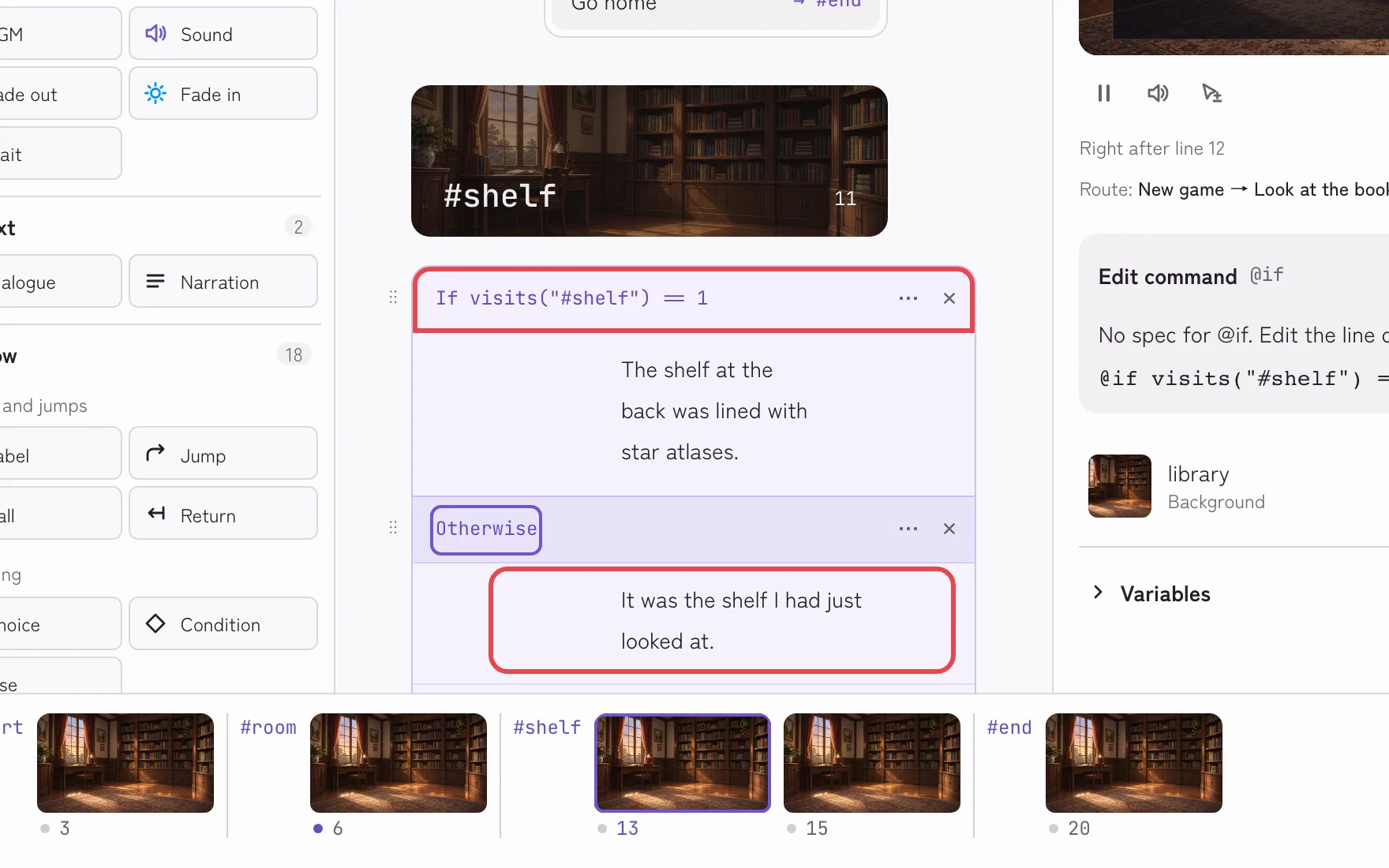
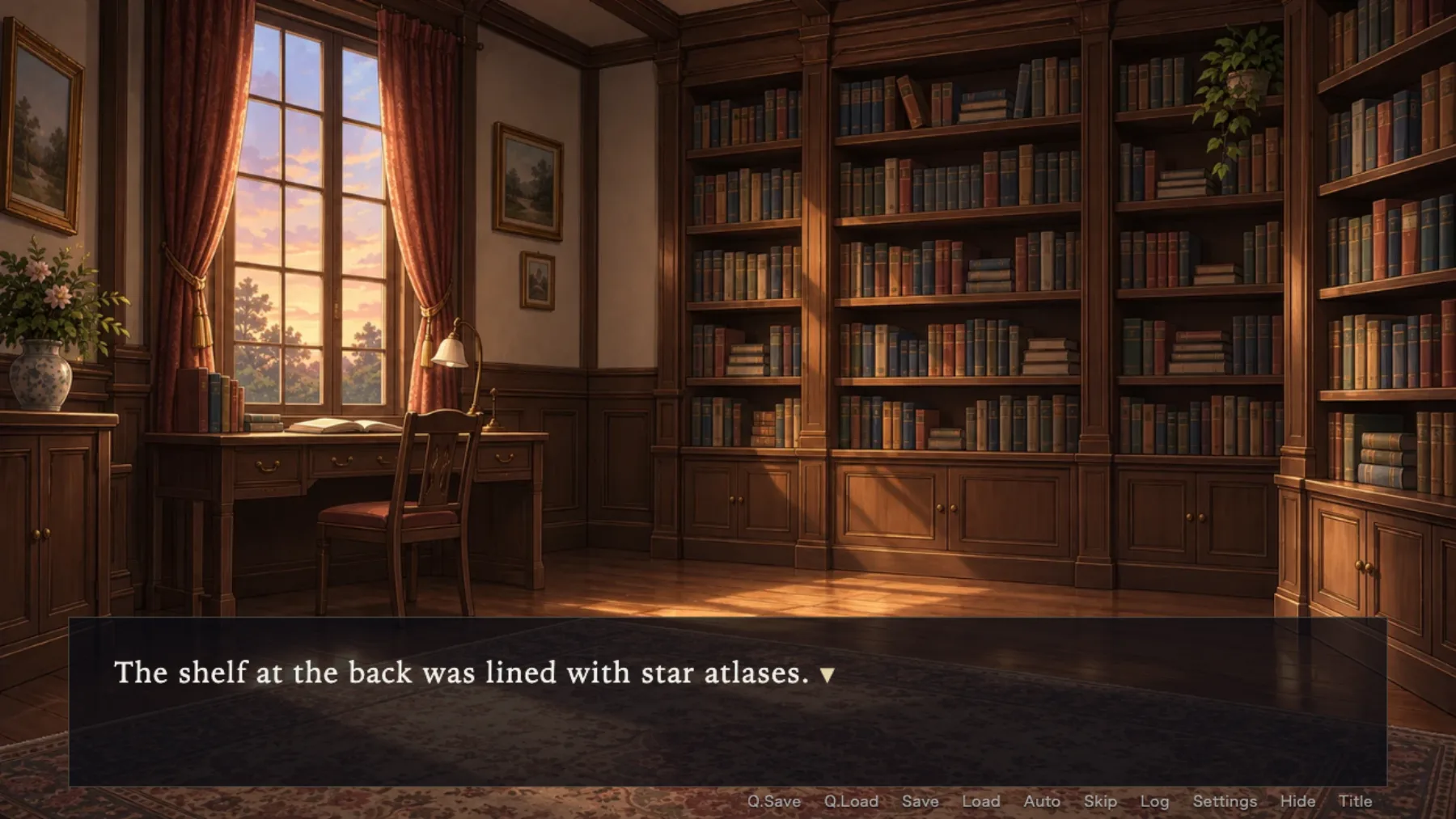
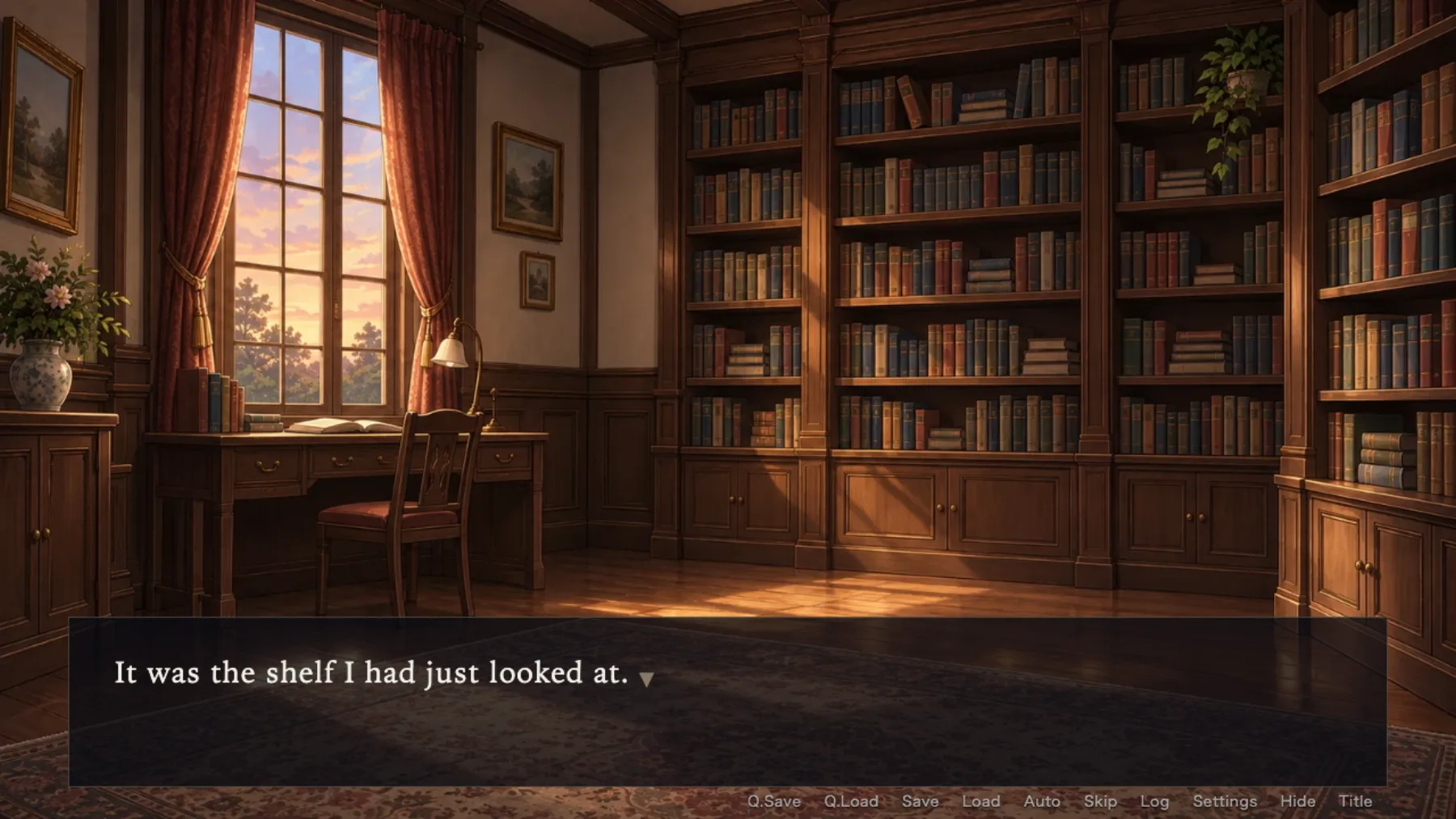
The count from visits is saved with the game. When you load, it goes back to the count at the time of the save.
Branch on whether a scene was read in an earlier playthrough
read("#label") is true if the player has ever entered that scene in any playthrough (like read status, it’s shared by all saves). Use it for lines that appear only on a second playthrough.
@if read("#ending")
Shiori "...We meet again."
@end
Branch on the choice that was picked
chosen("choice text") is true if the player picked the choice with that text in this playthrough. Write the choice text exactly as it appears on screen (for ruby, the small reading aids above Japanese characters, write only the base text).
@if chosen("Borrow the star atlas")
I searched the sky for the atlas's constellations, one by one.
@end
If no choice anywhere has the text written in chosen, you get a warning in Check.
Branch on where the game is played
| Function | Value |
|---|---|
lang() | The language being played (ja, en and so on) |
platform() | pc or mobile (phones and tablets) |
app() | True in the desktop or mobile app, false in a browser |
replaying() | True while a replay from the extras is playing |
chapter() | The chapter name of the current script file |
There are also functions for random numbers, arithmetic, working with text, today’s date and more. For the full list, see Expression functions.
Make a function (@function)
When you write the same calculation again and again in conditions or in {= } in text, you can make an expression function with @function. Write it on one line at the outermost level of the file, not inside @if or @define.
@function rank(score) = score >= 80 ? "A" : score >= 50 ? "B" : "C"

# result
Haru "Your grade this time is {= rank(game.score)}."
@if rank(game.score) == "A"
Yuika "Yes, the best grade!"
@end
Write it as @function name(argument, …) = expression, and calling it returns the value of the expression to the right of =. In this example, condition ? value1 : value2 gives value1 if the condition is true and value2 if it’s false, so the function returns "A" for a score of 80 or more, "B" for 50 or more, and "C" below that.
- The body is a single expression. It can’t change variables.
- Inside the expression, it can read its arguments and variables such as
game.,system.andtemp.. It can’t read the@letvariables of the place that calls it. - To use a function made in another file, load that file with
@use(the same as macros). If you forget, Check shows which file to load. - A function can’t have the same name as a built-in function or a
@functionin another file. - Make things that show effects or text as macros (
@define), not functions (Reuse scenes and effects).
In code
# shelf
@if visits("#shelf") == 1
Star atlases stand in a row on the bookcase at the back.
@else
It's the bookcase I just looked at.
@end
@jump #room